15 Best Event Registration Software & Platforms (2026–2027)
Last updated: 21 October 2026 · Prices checked on each vendor’s own website · By the Micepad team
TL;DR: The best event registration software is the one built for your event type, not the one at the top of a generic list. For large enterprise conferences, Cvent is the standard. For registration-heavy mid-market programs, Swoogo. For public ticketing and community events, Eventbrite or Ticket Tailor. For budget custom forms, RegFox. For design-forward B2B events, Bizzabo. And for in-person conferences and corporate events that need registration, QR check-in and on-demand badge printing in one tool, Micepad, with per-event pricing and support teams in Singapore, Hong Kong and Taiwan.
Event registration is where most event problems start: a form that loses people halfway, a payment step that fails, or a check-in desk that turns into a queue because the attendee list never made it to the door. The right event registration software fixes all three — but “right” depends heavily on whether you are running a 60-person workshop, a paid public festival, or a 2,000-person conference.
We compared 15 event registration software platforms side by side and grouped them by the kind of event each one actually suits. Every price below was checked on the vendor’s own website in October 2026 and is linked to its source. Where a vendor does not publish a price, we say so instead of guessing.
Event registration software compared: quick table
Scroll horizontally to compare all columns.
| # | Platform | Best for | Watch out for | Free plan | Starting price | On-site check-in / badges | G2 |
|---|---|---|---|---|---|---|---|
| 1 | Micepad | In-person conferences & corporate events needing registration + check-in + badges in one tool | Registration forms & kiosk need Pro; no native CRM connector | Yes, up to 50 attendees | USD $300/event (Starter); registration on Pro $500/event [1] | ✅ / ✅ (offline, kiosk) | 4.7 [2] |
| 2 | Cvent | Large enterprise conferences with complex agendas | No public pricing; kiosk needs OnArrival Premium | No | Quote-based [10] | ✅ / ✅ (offline) | 4.3 [11] |
| 3 | Swoogo | Registration-heavy programs with complex rules | $11,800/yr entry; badge printing needs Wi-Fi | No | $11,800/year (1 user) [17] | ✅ / ✅ (kiosk = paid add-on) | 4.9 [18] |
| 4 | Stova | Enterprise programs wanting published package prices | Per-registration fees on top; onsite quoted separately | No | $1,995 + from $3.00/registration [22] | ✅ / ✅ (BadgeNext) | 4.2 [23] |
| 5 | Bizzabo | Design-forward B2B event programs | ~$18k/yr minimum; onsite is an add-on | No | $17,999/year (3 users) [27] | Add-on / add-on | 4.3 [28] |
| 6 | Accelevents | B2B & hybrid events wanting one platform | $7,500 for a single event | No | From $7,500 (1 event) [32] | ✅ / ✅ (offline, kiosk) | 4.7 [33] |
| 7 | Swapcard | Networking-heavy conferences & expos | Annual contracts only; hardware rental extra | Trial only | Quote-based, annual [35] | ✅ / ✅ (hardware from $1,800/wk) | 4.6 [36] |
| 8 | Eventbrite | Public ticketed events & community events | Per-ticket fees add up; no native badges | Free events: no fee | 3.7% + $1.79/ticket + 2.9% processing (US) [40] | ✅ / ❌ | 4.3 [42] |
| 9 | Whova | Community conferences that want an attendee app | Check-in needs internet; quote-only platform | No (free tickets have no fee) | Quote + 3% + $0.99/paid ticket [49] | ✅ / ✅ (online only) | 4.8 [47] |
| 10 | Ticket Tailor | Low-fee ticketing for paid events | Badges via third party; light on complex programs | Up to 5,000 free tickets/year | $0.85/ticket, or from $0.30 prepaid [52] | ✅ / ❌ (partner badges) | 4.8 [53] |
| 11 | RegFox | Budget custom registration forms | Free events still cost $0.99/registrant | No | $0.99 + 1%/registrant (cap $4.99) [56] | ✅ / ✅ (Premium+) | 4.7 [57] |
| 12 | Eventleaf | Small organizations starting free | Free tier is 100 attendees per year; check-in app from Professional | Yes, 100 attendees/year | $1/attendee (Basic) [61] | Professional+ / ✅ | 4.7 [62] |
| 13 | RSVPify | Private, invite-only & corporate guest lists | Multiple ticket tiers need Professional; kiosk = Enterprise | Yes, 100 registrations/month | $24/mo billed yearly (Starter) [63] | Plus+ / beta | 4.7 [64] |
| 14 | GEVME | Singapore enterprise & government events | No free registration plan; check-in needs Pro | No (registration) | USD $1,050/yr [66] | Pro+ / ✅ | 4.7 (5 reviews) [67] |
| 15 | EventNook | Singapore organizers wanting modular, 0%-commission pricing | Onsite priced separately; one currency per event | No | USD $2,400/yr [71] | ✅ / ✅ (onsite from $1,200/event) | — |
Prices in USD as published by each vendor, checked 21 October 2026. Payment processing (typically ~2.9% + $0.30 per card transaction) is charged on top by most platforms. G2 ratings from each product’s G2 page, October 2026.
What is event registration software?
Event registration software is a tool that lets attendees sign up for an event online, pay if the event is paid, and receive a confirmation and ticket, while giving the organizer a live attendee list. Good event registration software also handles what happens after sign-up: reminder emails, changes and cancellations, and — the part most lists skip — getting that attendee list to the door on event day for QR code check-in and badge printing.
It overlaps with two other categories that are often confused:
Ticketing software (Eventbrite, Ticket Tailor) is optimized for selling tickets to the public. Registration forms are usually simpler and the platform earns a per-ticket fee.
Event management software (Cvent, Bizzabo) covers registration plus everything around it: venue sourcing, agendas, attendee apps, marketing and reporting. We compared these separately in our event management software comparison.
An event registration platform sits in the middle: richer forms and attendee data than a ticketing site, but focused enough that you are not paying for a full enterprise suite.
Why event type matters more than a ranked list
A ranked “top 15” hides the real decision. Cvent and Ticket Tailor are both excellent event registration software, but they solve different problems: one runs multi-track enterprise conferences with approval rules and CRM sync, the other sells tickets at $0.85 each. Choosing on rank alone is how teams end up paying enterprise prices for a meetup, or running a 1,500-person conference on a form builder that cannot print a badge. So instead of one list, we grouped the 15 platforms by the event they fit best. Find your event type, then compare within that group.
How we evaluated these platforms
Pricing transparency: we used only prices published on each vendor’s own website (checked 21 October 2026) and labeled quote-based vendors as such.
Registration depth: custom fields, conditional logic, ticket types, group registration, approval and invite-only flows, session selection, discount codes.
Payments: per-ticket fees, supported payment gateways and currencies.
Event-day readiness: QR check-in, on-demand badge printing, self check-in kiosks, and whether check-in keeps working offline — based on the vendor’s own documentation.
Integrations: native CRM connectors (Salesforce, HubSpot) versus Zapier or CSV.
Reviews: G2 rating and the recurring complaints in G2 reviews.
Disclosure: Micepad is our product. We included its limitations with the same detail as everyone else’s.
What to look for in event registration software
Use these eight checks to compare any platform. If you are planning the whole sign-up process from scratch, our event registration checklist walks through it step by step.
Form flexibility. Custom fields and conditional logic (show a question only when it applies) keep forms short. Check how deep the logic goes: Eventbrite, for example, supports one level of conditional sub-questions on choice-type questions only. For more ways to cut drop-off, see our event registration tips to boost sign-ups.
Ticket and registration types. Early-bird, VIP, member, group and complimentary types, each with its own price and capacity. On some platforms multiple tiers sit on higher plans (RSVPify requires Professional).
Approval and invite-only flows. Essential for corporate event registration, government and VIP events where not everyone who registers should get in.
Payments and currencies. Which gateways are supported, whether you can use your own, and whether you can sell in more than one currency. EventNook, for instance, sells each event in one currency only.
The real fee. Add the platform fee, per-ticket fee and card processing together. See our worked example below.
Event-day check-in. Does the registration data flow straight into a check-in app? Does it work offline if venue Wi-Fi fails? Whova’s own documentation says its check-in requires a connection. Our event check-in best practices cover how to plan the desk.
Badge printing. On-demand printing at check-in avoids pre-printing hundreds of badges for no-shows (our guide to on-demand badge printing explains the setup). Several ticketing tools have no native badge printing at all.
Data and integrations. Native CRM sync, CSV export, API access, and compliance with the data rules where your attendees live (GDPR in Europe, PDPA in Singapore).
Best event registration software for in-person conferences & corporate events
These platforms suit conferences and summits, AGMs and corporate events where registration must flow cleanly into an event-day operation: check-in desks, badges, session access.
1. Micepad — the event-day specialist
Best for: in-person conferences and corporate events (from 50 to several thousand attendees) that need registration, QR check-in and on-demand badge printing in one tool, with per-event pricing. Not ideal for: fully virtual events, or teams that need a native Salesforce/HubSpot sync out of the box.
At a glance: Free plan ✅ (≤50 attendees) · From USD $300/event · Registration on Pro USD $500/event · Check-in ✅ · Badges ✅ · Kiosk ✅ · Offline ✅ · G2 4.7
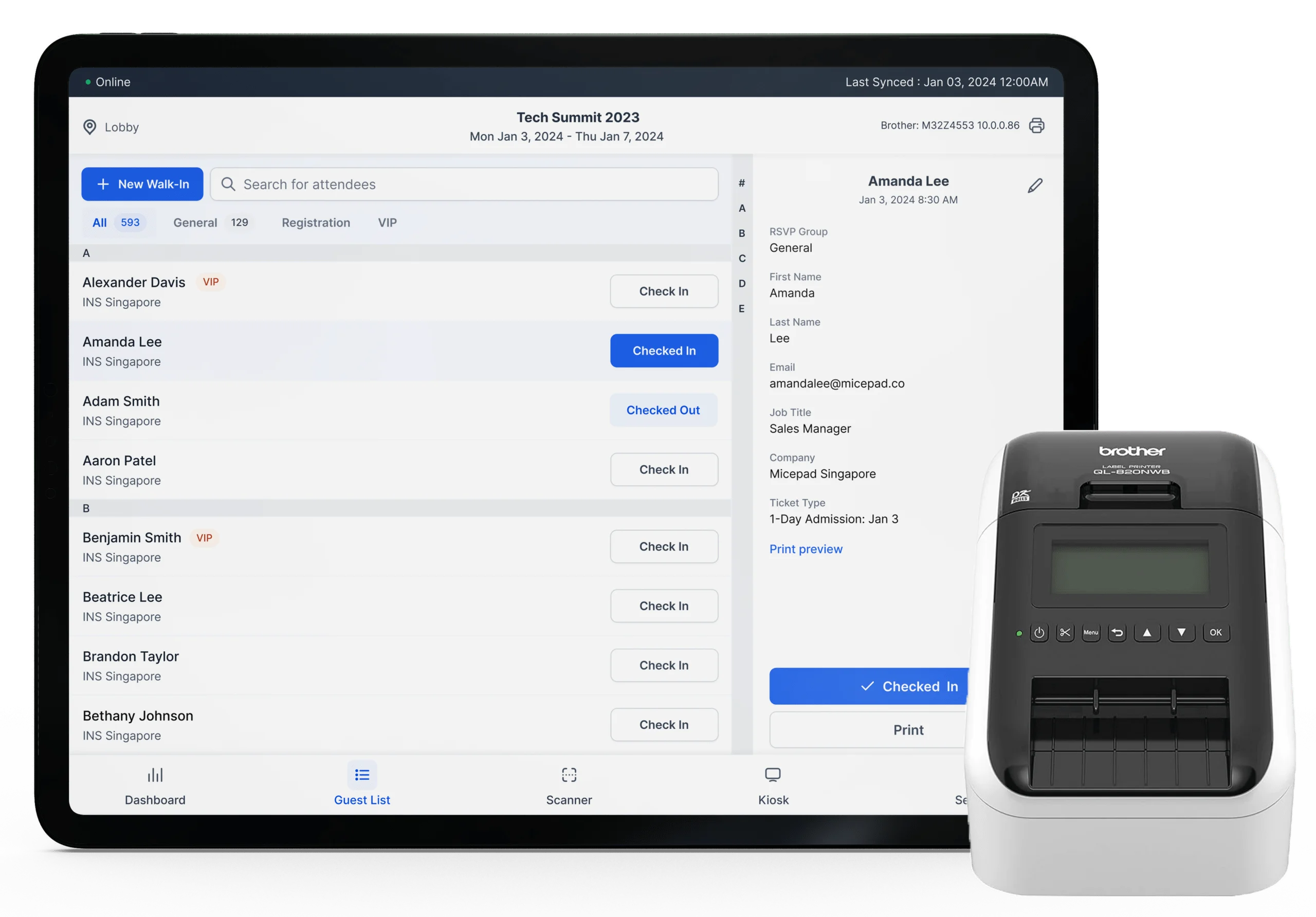
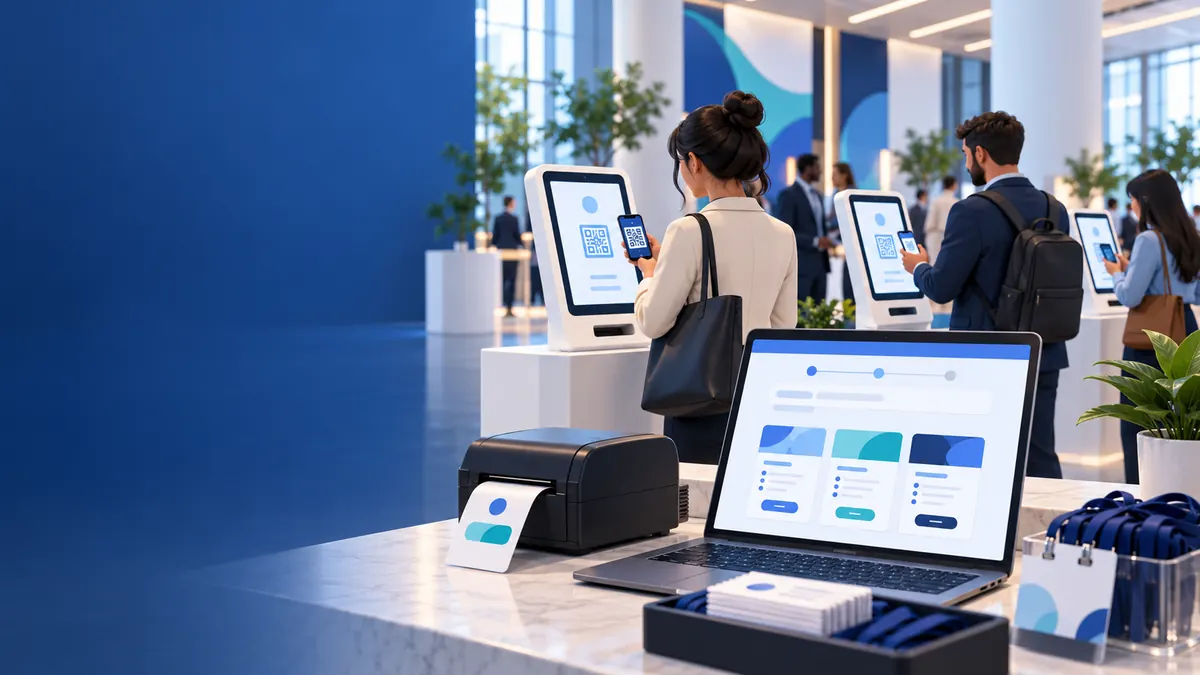
Micepad is event registration software built around the moment most platforms treat as an afterthought: the attendee arriving at the door. Registration, check-in, badge printing and lead capture share one attendee list, so whoever registers online can be scanned in under 3 seconds and walk away with a printed badge. Micepad was founded in Singapore in 2013 and has offices in Singapore, Hong Kong and Taiwan. [5] It ran check-in, badge printing and lead capture for 15,000+ MongoDB attendees across 10 APAC cities (read the MongoDB case study) [6] and on-site registration for about 2,000 attendees at the Hong Kong Tourism Board’s Hong Kong Tourism Overview 2026. [7] For conferences specifically, see Micepad’s conference registration software; for other formats, the online event registration software. [8]
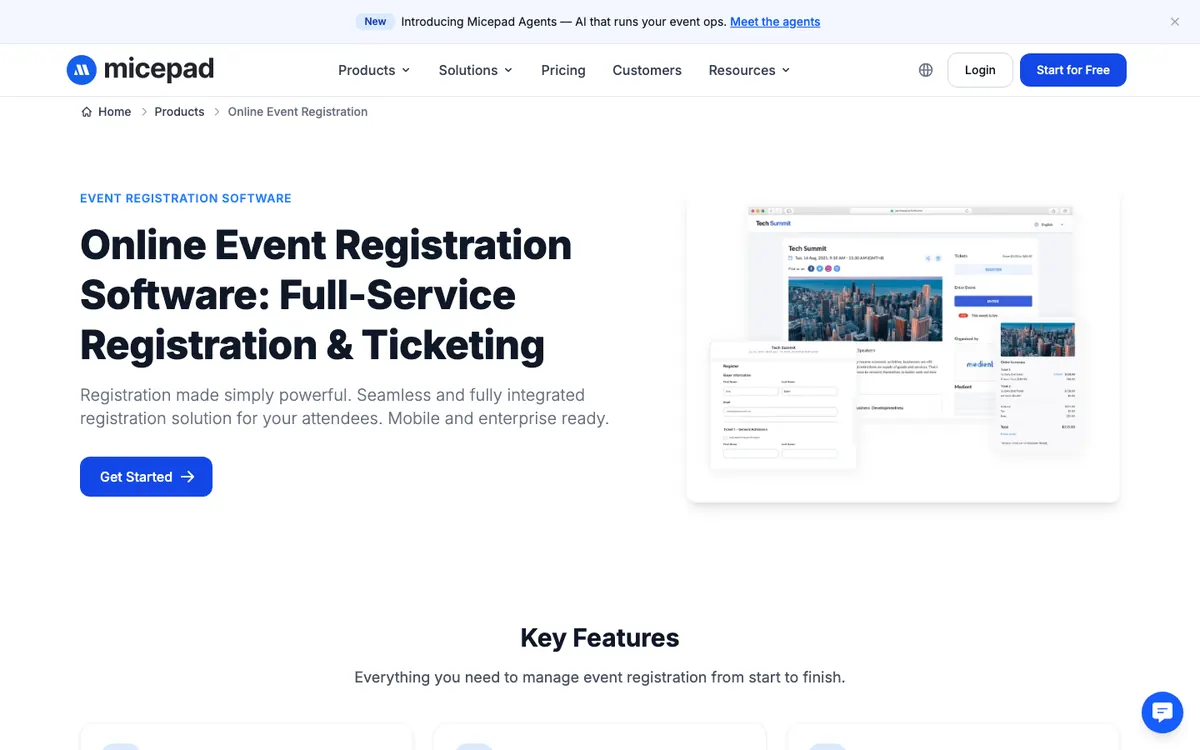
Key registration features
Custom fields with conditional logic and multi-step registration workflows
Multiple ticket tiers (early-bird to VIP), group ticket types and promo codes
Private, approval-based or invite-only registration
Session and track selection for multi-day conferences
Payment by credit card, invoice or offline payment
On-demand badge printing in roughly 2–4 seconds per attendee on Zebra or Brother printers, and a SmartKiosk self check-in that handles 100+ check-ins per hour. [4] [9]
Check-in app that keeps scanning and printing offline and syncs when the connection returns. [3]
Watch out for
Registration forms, custom form fields, ticketing and kiosk mode are on Pro (USD $500/event) and above; Starter (USD $300/event) covers check-in and badges only.
No native Salesforce or HubSpot connector is documented; data moves by CSV, and API access is Enterprise-only.
Per-event pricing in attendee tiers; annual plans are not yet available, and events above the tier limit need extra check-in credits or Enterprise (from 3,000 attendees).
Pricing: Free up to 50 attendees (unlimited events). Starter USD $300/event. Pro USD $500/event (registration forms, ticketing, kiosk mode). Enterprise custom, from 3,000 attendees. See Micepad pricing. [1]
2. Cvent — the enterprise standard
Best for: large enterprise conferences and multi-event programs with complex agendas, approvals and CRM requirements. Not ideal for: small teams, one-off events or anyone who needs a price before a sales call.
At a glance: Free plan ❌ · Quote-based · Check-in ✅ · Badges ✅ · Kiosk ✅ (OnArrival Premium) · Offline ✅ · G2 4.3 (2,415 reviews)
Cvent is the most established enterprise event registration platform. Its Professional package lets you license only the modules you need (with 15 user logins), while Enterprise bundles Registration, Attendee Hub and OnArrival with unlimited logins, API and SSO; all customers get 24/7 support. Cvent also owns Splash, which it acquired in September 2024. [12] If you are weighing it against lighter tools, see our Cvent alternative comparison. [13]
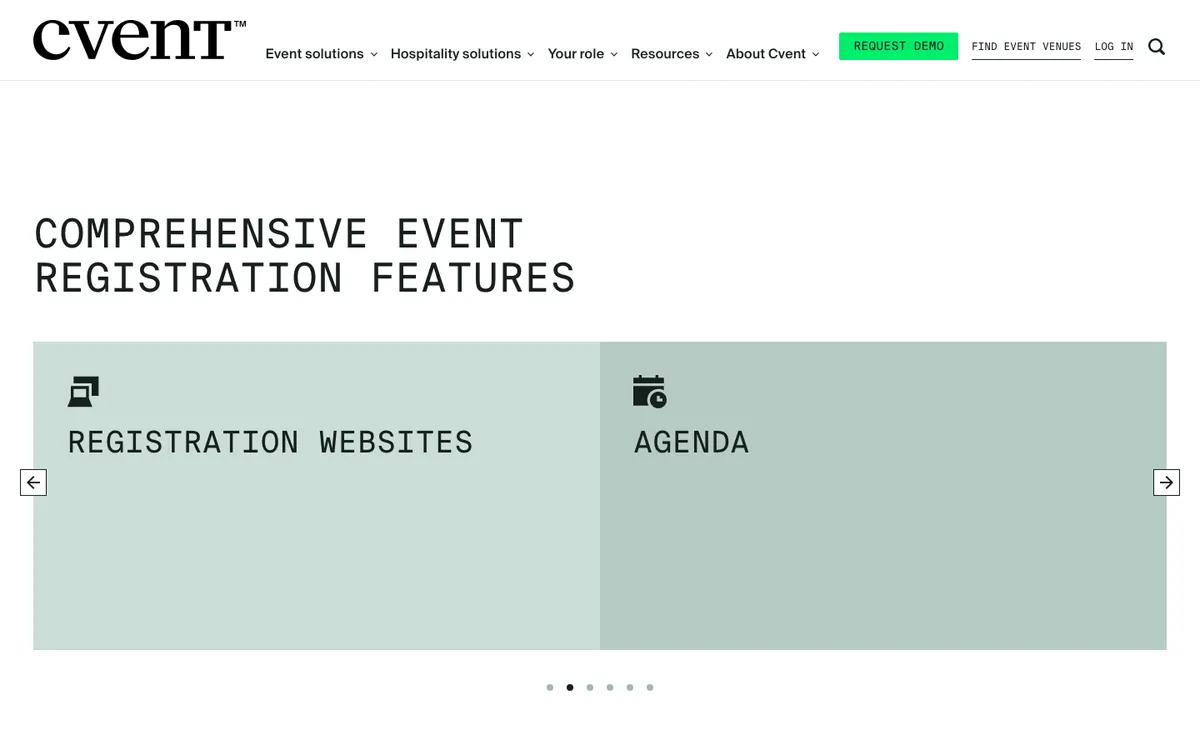
Key registration features
Registration paths, multi-page forms, conditional logic, group and guest registration, substitutions and approvals
Gateways include Cvent Payments, Stripe, PayPal, Authorize.Net and CyberSource. [14]
OnArrival check-in with on-demand badge printing that keeps working offline
Salesforce app on AppExchange
Watch out for
No public pricing; on Professional, modules are licensed separately.
Kiosk mode requires OnArrival Premium, and the HubSpot integration is an additional feature. [15] [16]
Recurring G2 complaints include “Not Intuitive” and “Expensive”.
Pricing: Quote-based. No free plan for registration. [10]
3. Swoogo — the registration-first specialist
Best for: mid-market and enterprise teams running many events with complex registration rules. Not ideal for: one-off or low-budget events.
At a glance: Free plan ❌ · From $11,800/yr (1 user) · Check-in ✅ (offline) · Badges ✅ (Wi-Fi needed) · Kiosk = paid add-on · G2 4.9 (214 reviews)
Swoogo is built around registration logic: unlimited conditional logic, invite lists, waitlists and an “Apply to Attend” approval workflow. Pricing is per user, not per event, with unlimited events and registrants included, and Swoogo does not take a cut of ticket transactions. [19]
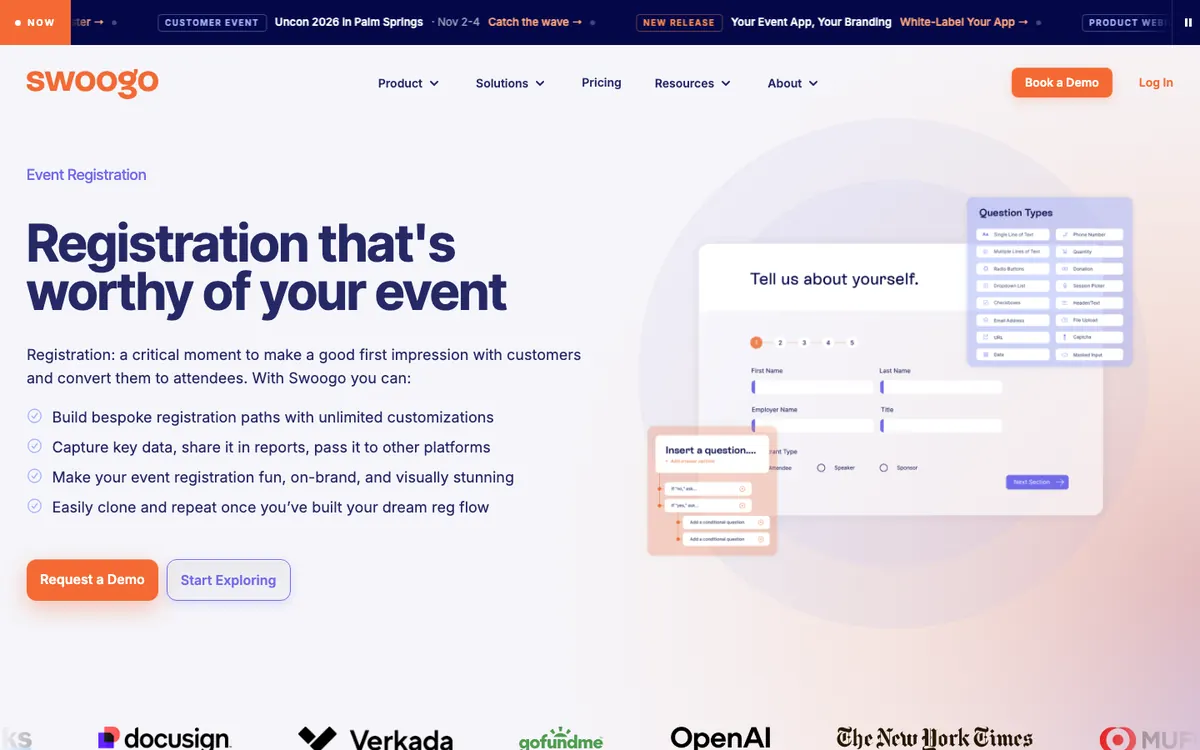
Key registration features
Unlimited registration types and custom questions
Approval workflow, invite lists and waitlists
15 supported payment gateways including Stripe, Braintree, CyberSource and Authorize.net
Salesforce, HubSpot and Marketo integrations at no extra fee. [20]
Go Onsite check-in app included in every plan
Watch out for
High entry price for small teams: $11,800/yr for one full user, rising to $38,400/yr for eight.
Check-in works offline, but badge printing requires Wi-Fi; kiosk mode is the paid Go Onsite Pro add-on. [21]
24/7 support is a paid add-on; standard support responds within 15 minutes during business hours.
Pricing: Professional USD $11,800/year for 1 user; Enterprise quote-based. No free plan. [17]
4. Stova — the enterprise suite with published prices
Best for: enterprise and association programs that want package pricing on paper before talking to sales. Not ideal for: small events, where per-registration fees on top of the package add up.
At a glance: Free plan ❌ · From $1,995 + $3.00/registration · Check-in ✅ · Badges ✅ · Kiosk ✅ · Offline ✅ (after sync) · G2 4.2 (198 reviews)
Stova was formed when MeetingPlay and Aventri merged, acquired eventcore and rebranded as Stova in October 2022. [24] Unlike most enterprise platforms it publishes package prices. Registration supports conditional logic, tiered pricing, group registrations and fees in 40+ currencies. [25]
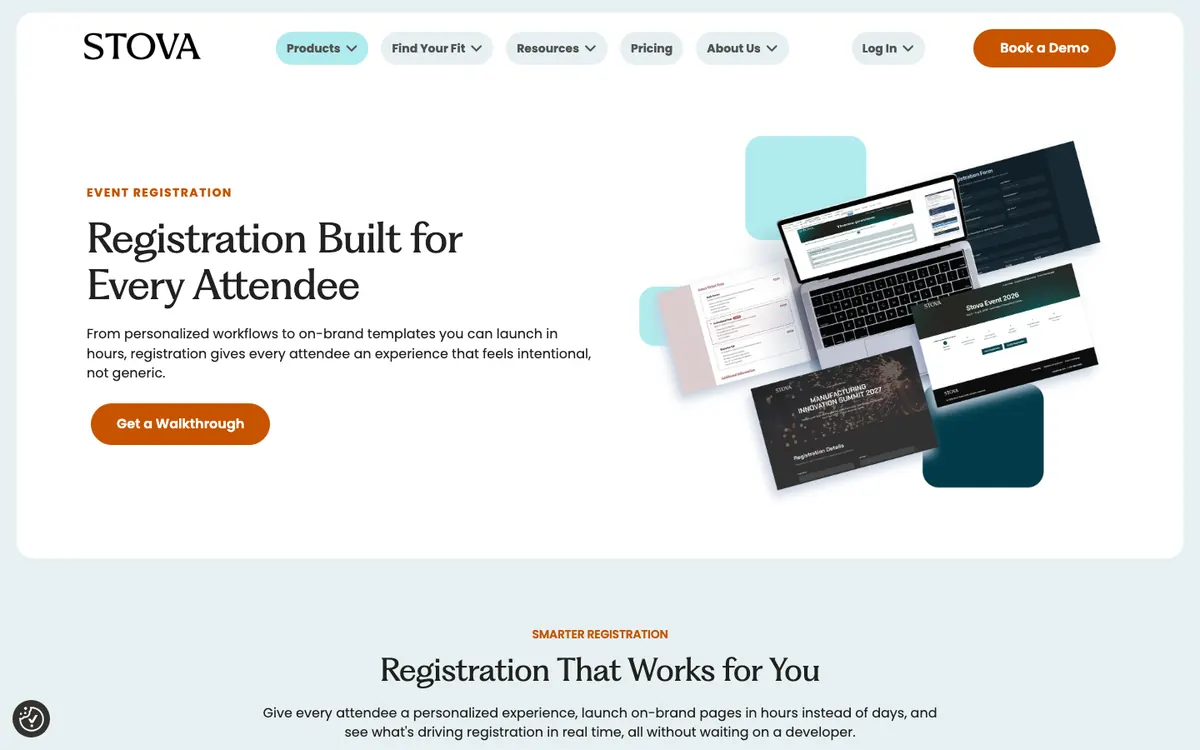
Key registration features
Custom forms with conditional logic, tiered pricing, discount codes and group registration
Collect fees in 40+ currencies
BadgeNext plug-and-print box with kiosk mode that works offline after initial sync. [26]
External review (approval) process listed in packages
Watch out for
Per-registration fees on top of the package: from $3.00 (Core) to $5.60 (Enterprise) per registration.
Onsite solutions are “contact for pricing”, and the packages page does not state whether prices are per event or per year.
Native Salesforce/HubSpot integration not confirmed on Stova’s site.
Pricing: Core $1,995 + from $3.00/registration; Pro $5,995 + from $4.50; Enterprise $12,995 + from $5.60. Billing period not stated. [22]
Best conference registration software
Meeting registration software for recurring workshops should make invitations and attendee changes quick to manage. Exhibition registration software needs to handle exhibitor passes, high-volume check-in and badge pickup; neither use case is well served by a basic form alone.
If your event is a multi-day conference with sessions, speakers and exhibitors, prioritize session selection at registration, approval flows and on-site badge printing. From the platforms above, Cvent and Stova suit large enterprise conferences, Swoogo suits complex registration logic, and Micepad’s conference registration software suits conferences that want registration, check-in and badges in one tool at a per-event price. Planning the rest of the event too? Use our conference planning checklist.
Best event registration platforms for B2B marketing & hybrid events
These platforms are built for marketing teams running event programs: branded experiences, CRM sync, and in-person, virtual or hybrid event formats.
5. Bizzabo — the design-forward B2B platform
Best for: B2B marketing teams running several branded events a year. Not ideal for: single events or budgets under ~$18k a year.
At a glance: Free plan ❌ · From $17,999/yr (3 users) · Onsite check-in & badges = Advanced Onsite add-on · Offline ✅ · G2 4.3 (448 reviews)
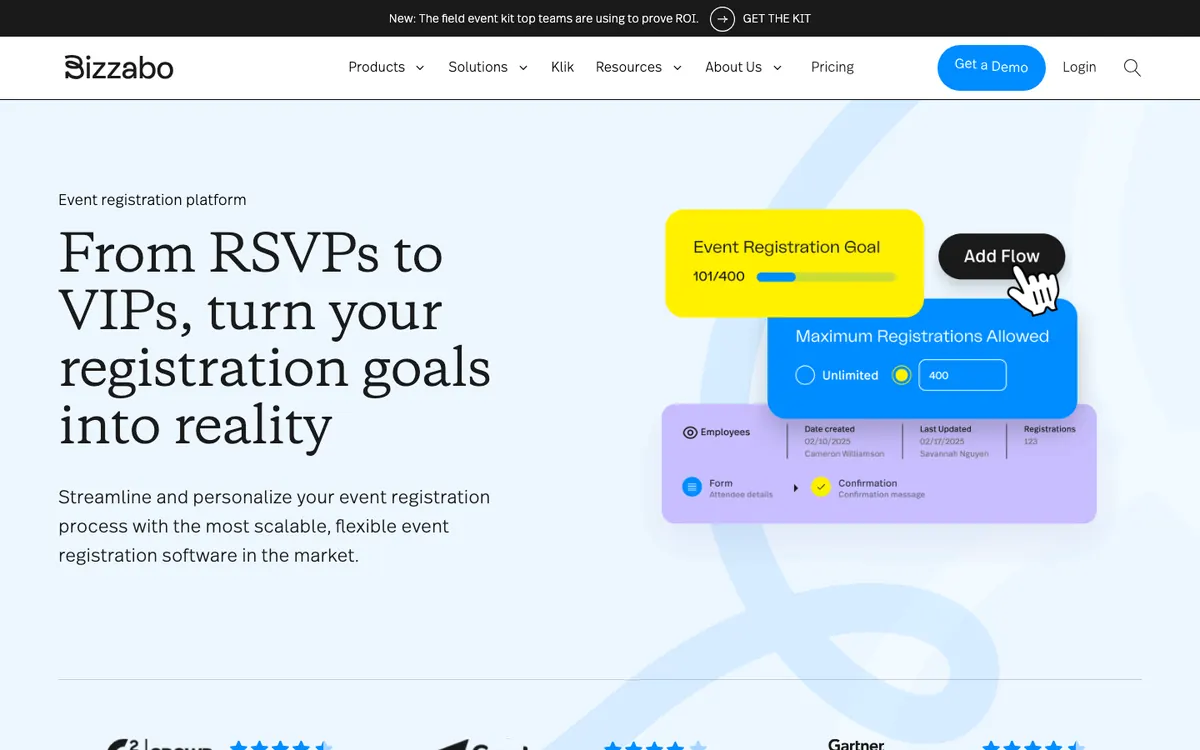
Bizzabo’s Event Experience OS bundles registration, ticketing, website builder, email and a mobile app with unlimited events and 24/7/365 support. Its registration supports conditional logic, promo codes, group registration and payments “in dozens of global currencies”. For a side-by-side with lighter tools, see our Bizzabo alternative comparison. [29]
Key registration features
Custom fields, conditional logic, promo codes and ticket visibility settings
Group registration and session sign-ups
Salesforce, HubSpot, Marketo and Pardot integrations
Offline check-in and badge printing through the Onsite Command app. [30]
Watch out for
Minimum spend: $499/user/month billed annually with a 3-user minimum — $17,999/yr.
Badge printing and full onsite operations are the premium Advanced Onsite add-on; the Bizzabox hardware kit is positioned for events of 1,000 or fewer. [31]
Recurring G2 complaints: limited customization and confusing processes.
Pricing: Event Experience OS $499/user/month billed annually; 3-user minimum (~$17,999/year). [27]
6. Accelevents — the all-in-one for B2B and hybrid events
Best for: B2B and hybrid events that want registration, check-in, badges and virtual in one platform. Not ideal for: small budgets — the entry price covers one event at $7,500.
At a glance: Free plan ❌ · From $7,500 (1 event) · Check-in ✅ · Badges ✅ · Kiosk ✅ · Offline ✅ · G2 4.7 (177 reviews)
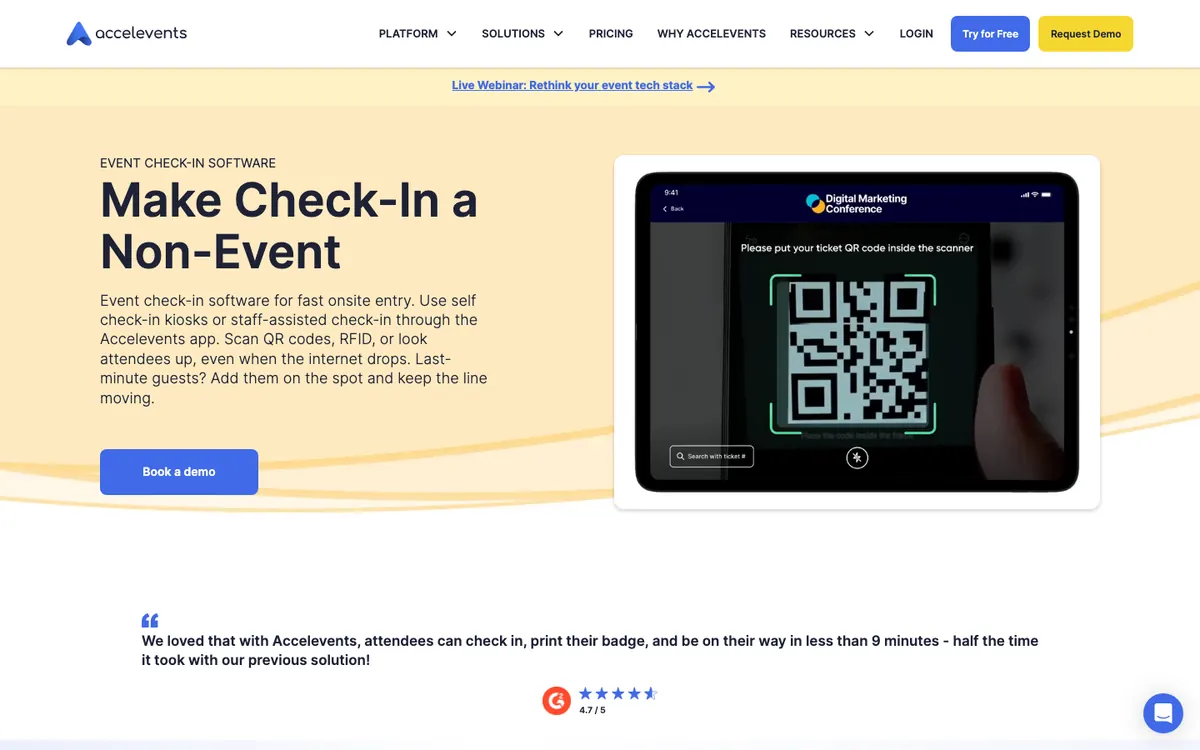
Accelevents covers registration, ticketing, check-in and badge printing with no transaction fees of its own; payments run through Stripe, Square or Payflow. Its check-in saves scans locally and syncs when back online, and iPads can be used as self check-in kiosks. [34]
Key registration features
Unlimited custom fields and ticket types, conditional logic, group booking, discount and access codes, waitlists
Invoice and offline payments
QR or RFID check-in, instant badge printing and session check-in
HubSpot, Salesforce, Marketo and Pardot integrations
Watch out for
Professional starts at $7,500 for a single event; Business (unlimited events) starts at $13,500. Ignore older roundups quoting ~$99/month.
Approval workflows, API and webhooks are Enterprise-only.
Virtual events are a paid add-on.
Pricing: Professional from $7,500 (1 event); Business from $13,500 (unlimited events); Enterprise custom. Billing period not stated. [32]
7. Swapcard — the networking-first platform
Best for: conferences and expos where attendee matchmaking and exhibitor value matter most. Not ideal for: one-off events — Swapcard sells annual contracts only.
At a glance: Free plan ❌ (Starter trial) · Quote-based, annual · Check-in ✅ · Badges ✅ · Kiosk ✅ · G2 4.6 (228 reviews)
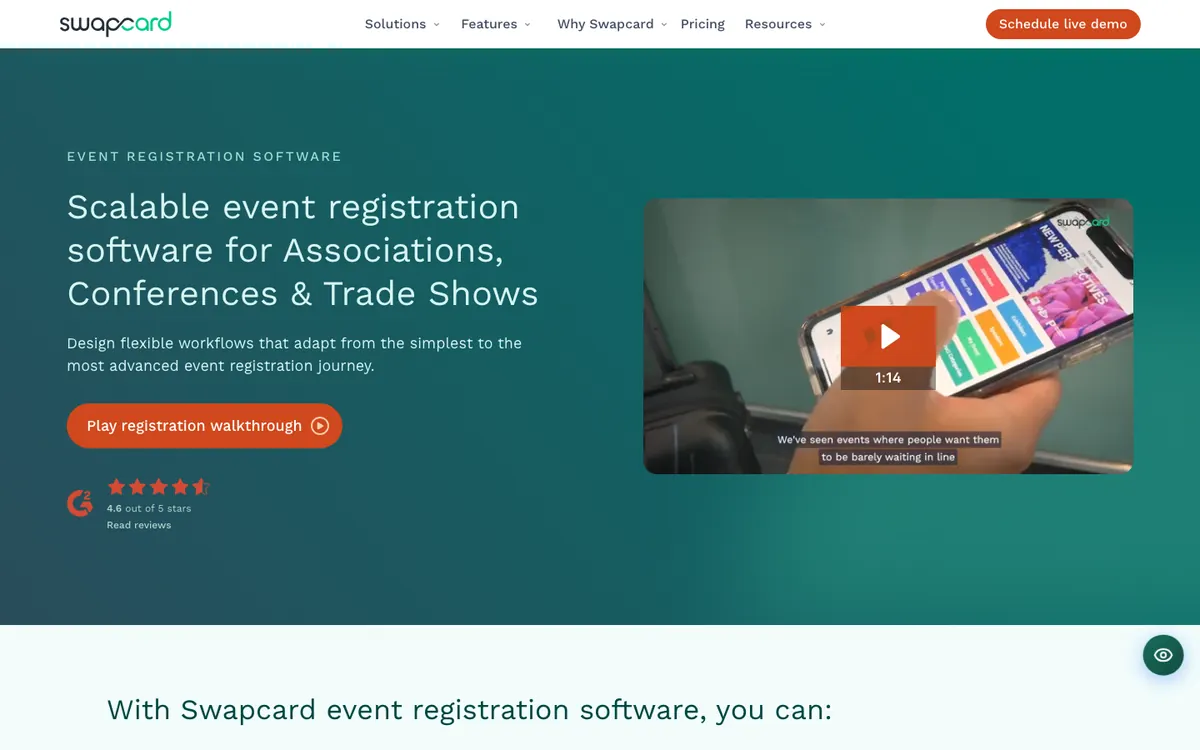
Swapcard relaunched registration as an end-to-end product in 2026, with page- and field-level conditional logic, unlimited ticket types, approval workflows and multi-currency support, and no transaction fees beyond your gateway’s rates. [37]
Key registration features
Page- and field-level conditional logic, unlimited ticket types and approval workflows
Multi-currency; gateways include Stripe, Braintree, PayFlow Pro and CyberSource
Salesforce and HubSpot integrations
Kiosks, QR check-in and badge printing. [38]
Watch out for
Annual subscriptions only — no per-event or monthly option — with a 90-day termination notice.
On-site hardware (Swapcard Go) is extra: $1,800 per week under 250 attendees, $2,330 above. [39]
Attendee caps per plan are listed inconsistently on the pricing page; confirm in writing.
Pricing: Quote-based annual license plus attendee/exhibitor volume. Free trial on Starter. [35]
Best event registration software for public ticketing & community events
For events sold to the public — classes, meetups, festivals, community conferences — the priorities are low fees, fast setup and a smooth checkout.
8. Eventbrite — the public ticketing default
Best for: public ticketed and community events that benefit from Eventbrite’s marketplace audience. Not ideal for: corporate events needing badges, kiosks or deep form logic.
At a glance: Free events: no fee · Paid: 3.7% + $1.79 per ticket + 2.9% processing (US) · Check-in ✅ (offline) · Badges ❌ native · G2 4.3 (914 reviews)
Eventbrite lets you publish unlimited free events at no cost and charges per paid ticket. In the US the service fee is 3.7% + $1.79 per ticket, plus 2.9% payment processing calculated on the whole order including fees and tax; by default the buyer pays, but organizers can absorb fees. Eventbrite was taken private by Bending Spoons in March 2026. [44] If you mainly need a faster check-in desk, see our Eventbrite check-in alternative.

Key registration features
Custom event pages, multiple ticket types, add-ons, promo codes, waitlists and embedded checkout
Organizer app with QR scanning that supports offline check-in. [45]
HubSpot integration via the App Marketplace
Eventbrite Pro email marketing from $15/month
Watch out for
Fees add up on paid tickets — see the worked example below.
No native badge printing or self check-in kiosk; badges need third-party apps.
Conditional questions go one level deep and only on choice-type questions. [43]
Pricing: Free for free events. Paid tickets (US): 3.7% + $1.79 service fee per ticket + 2.9% processing per order. UK: 6.95% + £0.59 per ticket. [40] [41]
9. Whova — the community conference app
Best for: association and community conferences that want registration plus a popular attendee app. Not ideal for: venues with unreliable internet at the check-in desk.
At a glance: Free plan ❌ · Quote-based + 3% + $0.99 per paid ticket · Check-in ✅ · Badges ✅ · Kiosk ✅ · Offline ❌ · G2 4.8 (1,953 reviews)
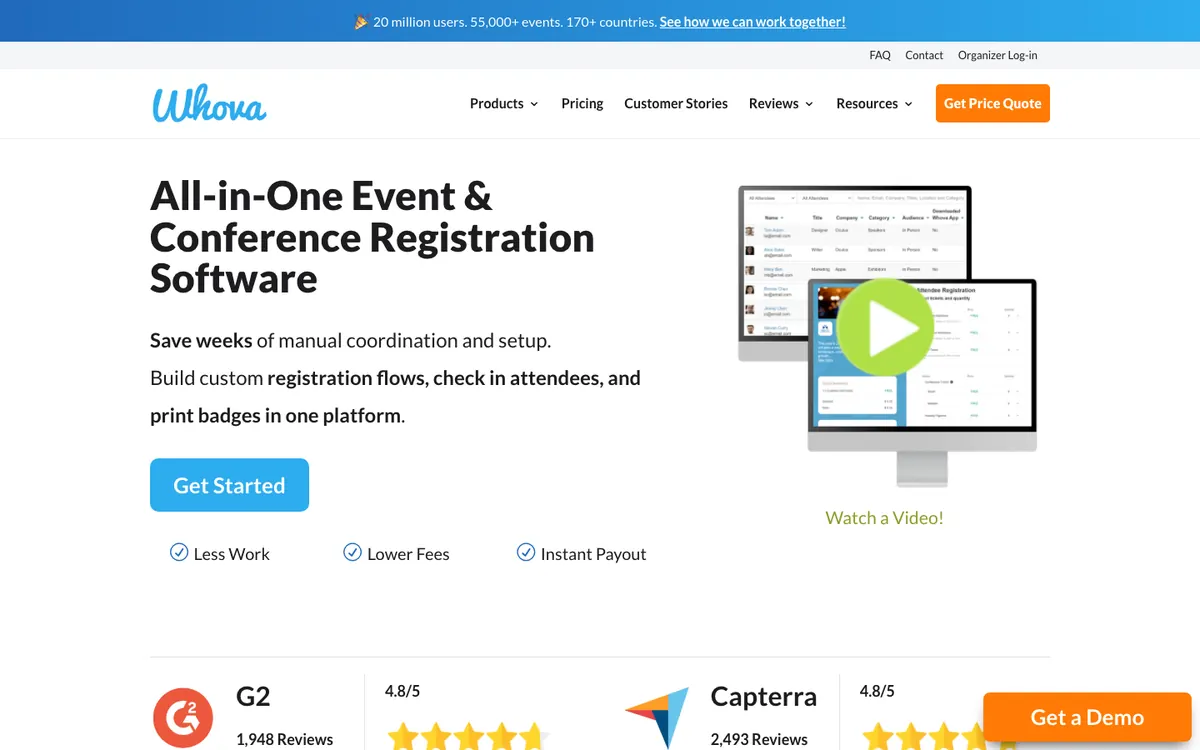
Whova pairs registration with its attendee app (compare it with other mobile event apps). Free tickets carry no fee; paid tickets are charged 3% of the ticket price plus $0.99, which you can pass to registrants. [46] Its kiosk app (launched August 2025) supports self check-in and badge printing on iPads with AirPrint printers. [51] See our Whova alternatives comparison for more options. [50]
Key registration features
Conditional questions by answer and ticket type, multiple ticket types, early-bird pricing
Group tickets, member-only and invite-only tickets, session sign-up and add-ons
Stripe payments plus offline check, cash or wire
HubSpot, MemberClicks and Mailchimp integrations
Watch out for
Check-in requires an internet connection, per Whova’s own documentation. [48]
No published platform pricing — you must request a quote.
Stripe is the only online payment gateway.
Pricing: Platform: quote-based. Paid tickets: 3% + $0.99 per ticket. [49]
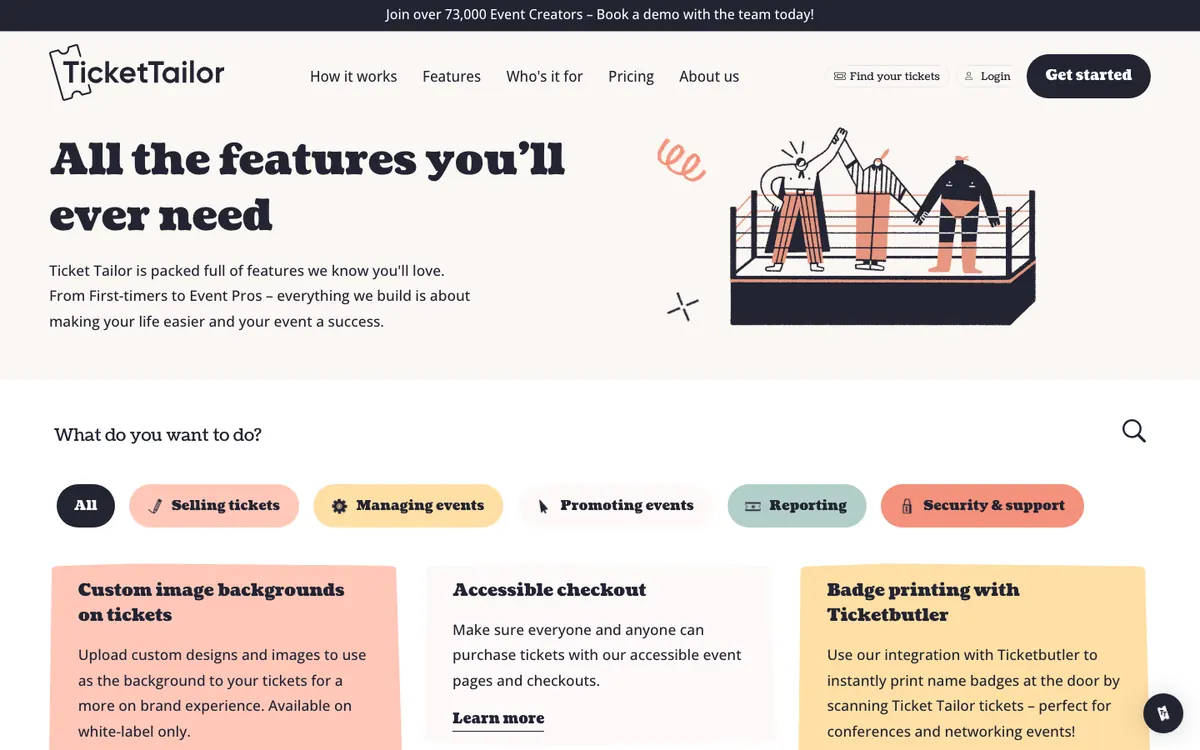
10. Ticket Tailor — the low-fee ticketing pick
Best for: paid public events where keeping per-ticket fees low matters most. Not ideal for: complex conferences needing badges, kiosks or approval workflows.
At a glance: Up to 5,000 free tickets/yr · $0.85/ticket or from $0.30 prepaid · Check-in ✅ (offline) · Badges via partner · G2 4.8 (198 reviews)
Ticket Tailor charges a flat fee per ticket with no subscription: $0.85 pay-as-you-go, or from $0.30 per ticket with prepaid credits; free tickets cost nothing up to 5,000 a year, and registered charities get 50% off. Card processing via Stripe, PayPal or Square is separate. [52]
Key registration features
Customizable checkout form, unlimited events and ticket types, bundles and time slots
Password-protected events and ticket types
Discount and voucher codes; 96 currencies
Free check-in app that works offline and syncs across devices. [54]
Watch out for
Badge printing is not native; it runs through a partner and the badge check-in data does not sync back to Ticket Tailor. [55]
Reserved seating uses an extra credit per seat, and processing fees are always extra.
G2 reviewers note reporting and integrations are light for complex programs.
Pricing: $0.85 per ticket pay-as-you-go, or from $0.30 with prepaid credits (min. 100). Free tickets free up to 5,000/yr. [52]
Best budget & small-event registration platforms
For workshops, classes, nonprofit events and small corporate gatherings, these platforms keep costs low — but read the fine print on free plans.
11. RegFox — the budget form builder
Best for: organizers who want highly customized registration pages on pay-per-registrant pricing. Not ideal for: free events (they still incur a per-registrant fee) and teams that need native CRM sync.
At a glance: No subscription on Standard · $0.99 + 1% per registrant (cap $4.99) · Check-in ✅ (offline, kiosk) · Badges Premium+ · G2 4.7 (572 reviews)
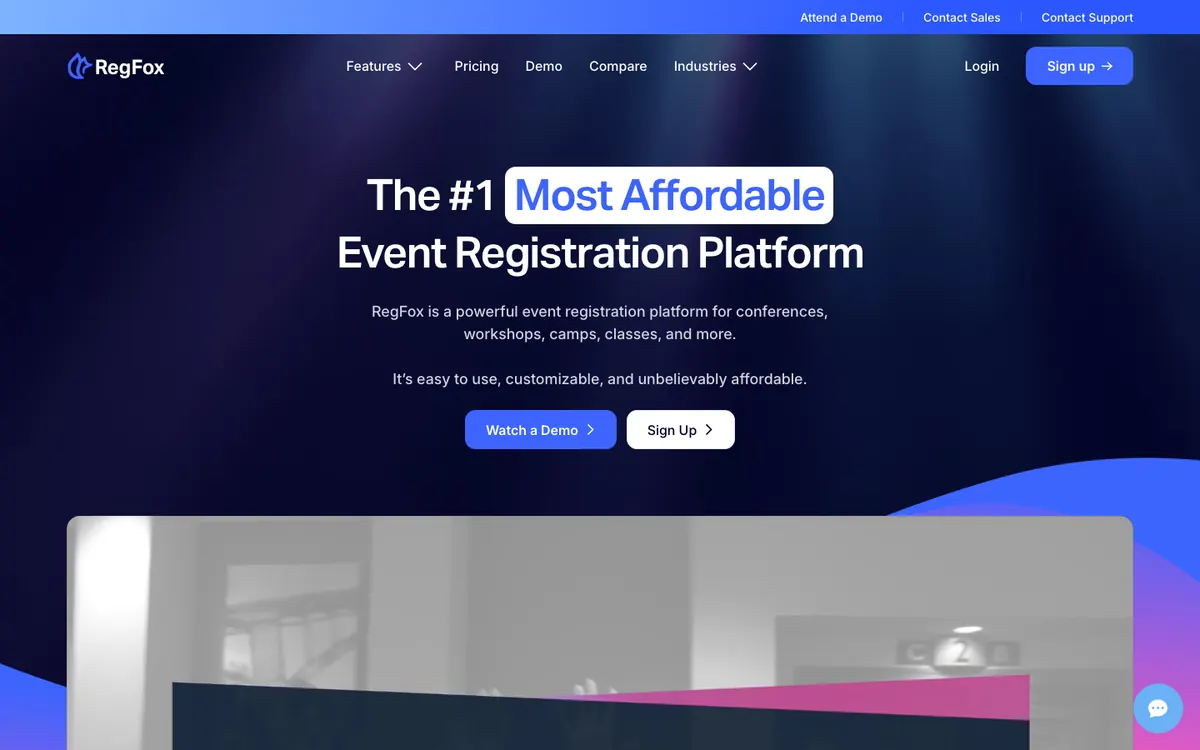
RegFox (by Webconnex) charges per registrant instead of a subscription, with a visual page builder and conditional logic on every plan. Its check-in app has an offline mode and can run as a self check-in kiosk. [58]
Key registration features
Visual page builder, conditional logic, add-ons, coupons, deposits and donations
Fees can be passed to attendees
Check-in app with offline mode and self check-in
CRM sync (Salesforce, HubSpot, Pipedrive) via Zapier. [59]
Watch out for
Free events are not free: $0.99 per registrant on Standard, even at a $0 ticket price.
Zebra badge printing is Premium/Professional only and needs an iOS device and a Zebra 621 printer. [60]
Card processing (2.9% + 30¢) is charged on top of the per-registrant fee.
Pricing: Standard $0.99 + 1% per registrant (cap $4.99); Premium $1.99 + 1% (cap $5.99); Professional $499/month billed annually. Processing 2.9% + 30¢. [56]
12. Eventleaf — the free starter for small events
Best for: small organizations running a few events a year that want to start free. Not ideal for: anyone expecting a free check-in app — it starts on Professional.
At a glance: Free plan ✅ (100 attendees per year) · Basic $1/attendee · Check-in app from Professional · G2 4.7 (111 reviews)
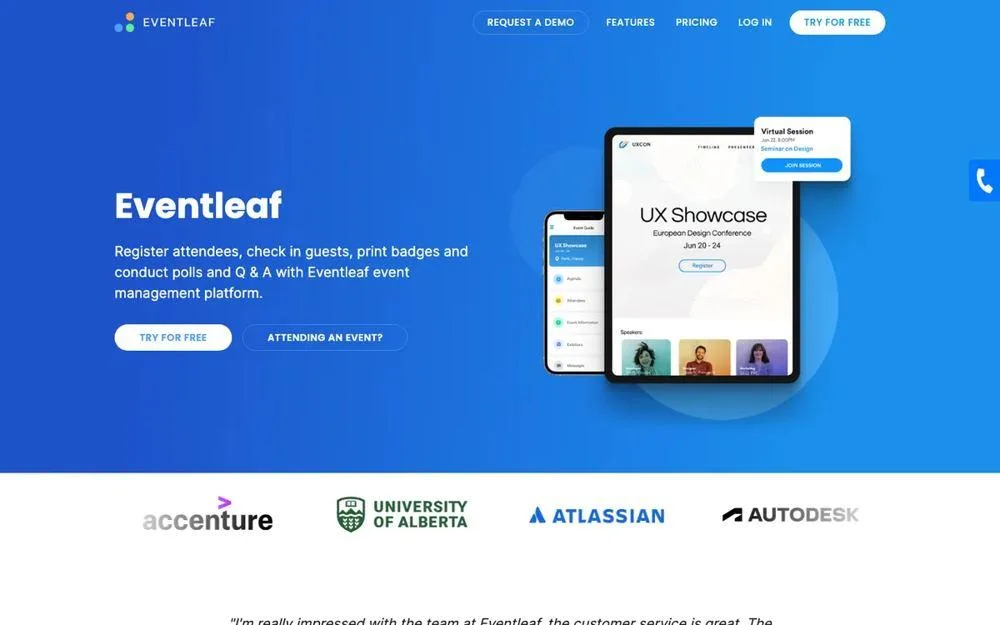
Eventleaf’s free Starter plan includes registration, fee collection, discounts, invoicing, waitlists and badge design for up to 100 attendees a year across unlimited events. Paid plans are priced per attendee. [61]
Key registration features
Registration, fee collection, discounts, invoicing and waitlists on the free plan
Badge designer
Check-in app with offline mode, session check-in and on-site badge printing on Professional
HubSpot, Marketo and Salesforce on the custom-priced Ultimate plan
Watch out for
The free tier is 100 attendees per year, not per event.
The check-in app and offline mode require Professional ($2/attendee) or above.
Eventleaf’s own card processor charges 4% and is USD-only; using your own gateway costs 1%.
Pricing: Starter free (100 attendees/yr); Basic $1/attendee; Professional $2/attendee; Ultimate call for price. [61]
13. RSVPify — the private and invite-only specialist
Best for: corporate gatherings, private and invite-only events with guest lists. Not ideal for: multi-tier paid conferences on a small budget.
At a glance: Free plan ✅ (100 registrations/mo) · Starter $24/mo billed yearly · Check-in from Plus · Badges (beta) · Kiosk = Enterprise · G2 4.7 (92 reviews)
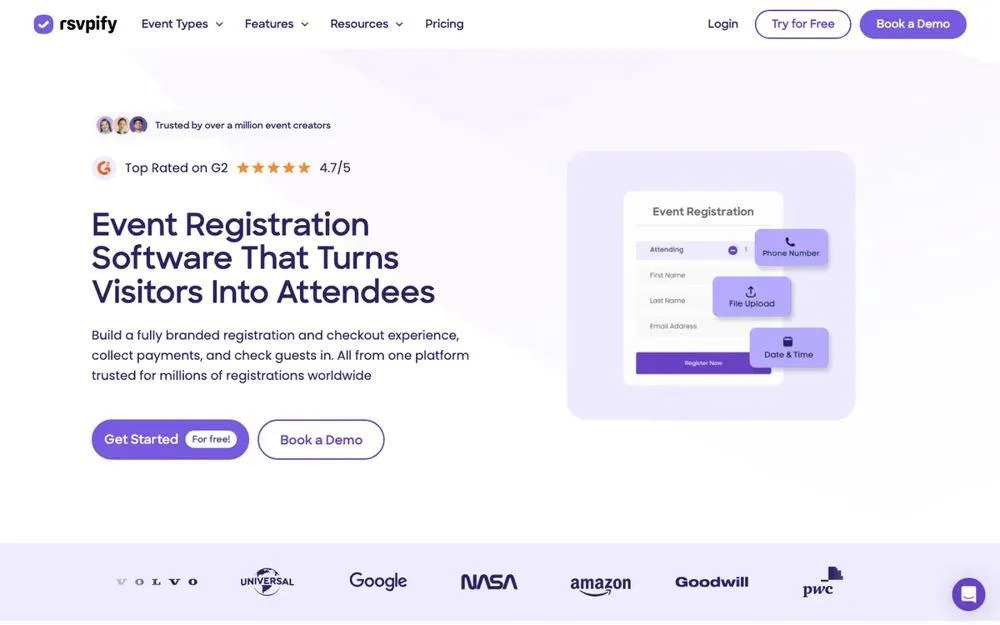
RSVPify specializes in guest-list control: exclusive invite lists are available on every plan, including Free. Plans are capped by registrations per month rather than per event. [63]
Key registration features
Exclusive invite lists on all plans
Capacity limits and collaborators from Plus
Check-in suite from Plus; badge printing (beta) with Brother printers or Avery PDF templates
Ticket selling at 1.95% + $0.90 per ticket plus Stripe processing. [65]
Watch out for
Multiple ticket tiers or sessions require Professional ($299/mo billed yearly).
Response-based conditional logic and the self check-in kiosk are Enterprise-only.
Native HubSpot/Salesforce are paid Enterprise add-ons; badge printing is still in beta.
Pricing: Free (100 registrations/month); Starter $24/month billed yearly ($39 monthly); Plus $89/month billed yearly ($125 monthly); Professional $299/month billed yearly; Enterprise custom. Ticket fee 1.95% + $0.90. [63]
Best event registration software for Singapore & APAC events
Events in Singapore, Hong Kong and the wider region often need local payment methods, local-currency ticketing, data handling under PDPA, and support in the same time zone. Two Singapore-based platforms are worth comparing alongside Micepad (#1; see our guide to event registration systems in Singapore), which also has teams in Singapore, Hong Kong and Taiwan. One thing to know: both GEVME and EventNook publish their prices in USD, and on both, PayNow payments are confirmed manually rather than instantly.
14. GEVME — the Singapore enterprise suite
Best for: Singapore enterprise and public-sector events that need a wide choice of local payment gateways. Not ideal for: small or one-off events — registration is an annual plan with no free tier.
At a glance: Free registration plan ❌ · From USD $1,050/yr · Check-in & kiosk on Pro · G2 4.7 (5 reviews)
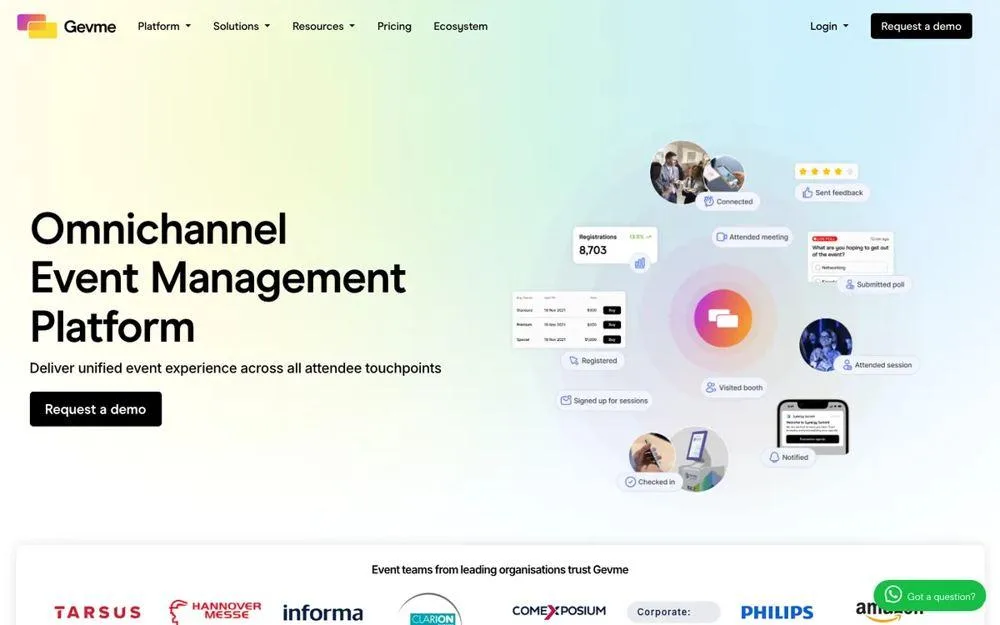
GEVME offers registration on annual plans, plus a free Omnichannel plan for event websites and virtual venues. It supports 23 payment gateways, including Stripe Connect, eNETS and OCBC, and on-site check-in by QR, facial recognition or ID card with badges printed on check-in. See how it compares in our GEVME alternative guide. [70]
Key registration features
Form logic, paid/free tickets, private access, QR tickets and promo codes (Starter)
Waiting lists, registration rules, payment gateway integration, onsite web check-in and kiosk (Pro)
23 payment gateways including Stripe Connect, eNETS, OCBC and PayMongo. [69]
Salesforce and CRM connectors on Pro
Watch out for
No free registration plan; registration starts at USD $1,050/yr billed annually.
Payment gateway integration, check-in, kiosk and CRM require Pro (USD $2,400/yr+).
PayNow Corporate is an offline method: your finance team verifies each payment before tickets are released. [68]
Pricing: Registration Starter from USD $1,050/yr; Pro from USD $2,400/yr; Enterprise custom. Overage from USD $2.10/attendee. [66]
15. EventNook — the Singapore modular platform
Best for: Singapore organizers who want 0% sales commission and buy onsite services à la carte.
Not ideal for: events selling in more than one currency, or teams wanting check-in bundled into the base price.
At a glance: Free plan ❌ · From USD $2,400/yr · Onsite from USD $1,200/event · Capterra: 0 reviews [74]
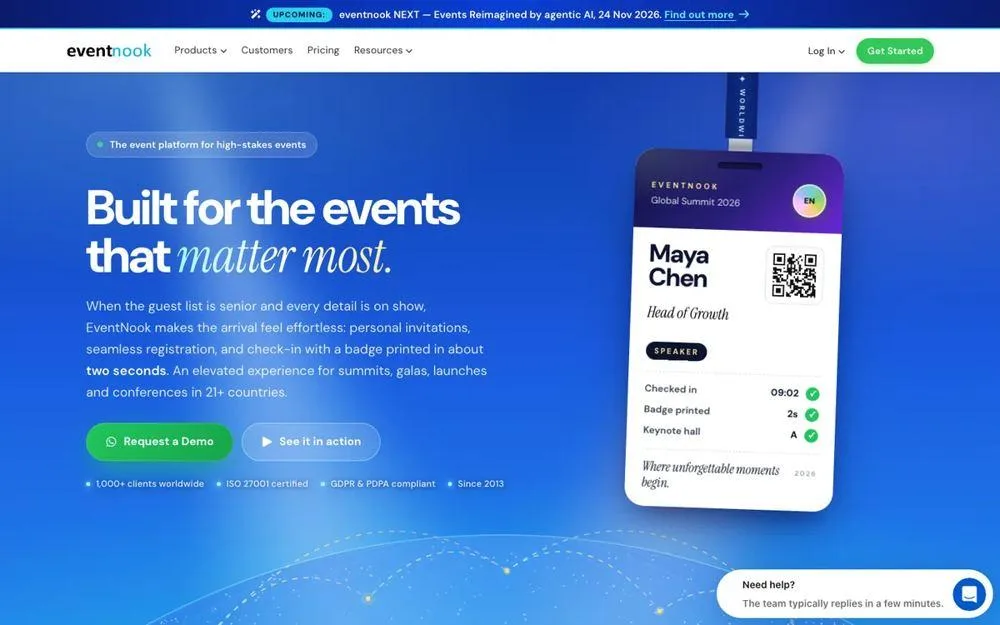
EventNook prices each module separately and charges 0% sales commission on tickets — you pay only your payment provider’s fees. Payments run through Stripe, PayPal, Omise or offline invoice/bank transfer. It is headquartered in Singapore and serves Hong Kong events from there. [72] See our EventNook alternative comparison. [71]
Key registration features
Multiple ticket types, time-slot booking, invitation codes, VIP lists and invoices
Advanced form logic and private events on Professional; approval workflows on Enterprise
PayNow SG QR with no transaction fees
Kiosk app, QR check-in, badge designer and session scanning (priced separately)
Watch out for
Onsite check-in and badges are priced separately, from USD $1,200 per event with 300 attendees included.
Each event sells in one currency; to sell in HKD and USD you create two events.
PayNow orders stay “Pending Payment” until the organizer confirms them manually. [73]
Pricing: Express USD $2,400/yr (1,000 attendees/yr); Professional USD $9,800/yr; Enterprise custom. Onsite Express from USD $1,200/event. [71]
Free DIY options: Google Forms and Microsoft Forms
Can you use Google Forms for event registration? Yes, for simple free events. Since January 2026, Google Forms can close automatically at a set date and time or after a set number of responses — so older advice that it cannot cap registrations is out of date. The cap applies to total responses, not to individual ticket types or sessions. Google Forms has no native payment or checkout; you need an add-on such as Payable Forms. It does not issue tickets or handle check-in. [75] [76] [77]
Does Microsoft have an event registration tool? Microsoft Forms supports start and end dates and one response per person, but documents no response cap, payments or check-in. For virtual events, Microsoft Teams events (webinars and town halls) include built-in registration with unique join links for up to 1,000 interactive attendees, and more in view-only modes. Neither handles in-person check-in or badges; for that, see our list of free event check-in apps. [78] [79]
When you outgrow a form — paid tickets, capacity per session, or a check-in desk — move to dedicated event registration software. Micepad’s free plan covers up to 50 attendees per event with QR check-in included, and our guide to QR code event registration shows how the sign-up-to-scan flow works.
Which event registration software should you choose?
| Your event | Start with | Why |
|---|---|---|
| Free community meetup or class, under 100 people | Eventbrite, Ticket Tailor, Google Forms | No fees on free tickets (Eventbrite; Ticket Tailor up to 5,000/yr); Forms if you don’t need tickets |
| Paid public event, price-sensitive | Ticket Tailor, RegFox | Lowest per-ticket fees |
| Private or invite-only corporate event | RSVPify, Micepad | Guest-list control; Micepad adds approval flows, check-in and badges |
| In-person conference, 200–3,000 attendees | Micepad, Swoogo, Stova | Registration flows into check-in and badges; choose per-event (Micepad) vs annual (Swoogo); confirm Stova’s billing period |
| Enterprise multi-event program with CRM sync | Cvent, Swoogo, Bizzabo | Native Salesforce/HubSpot, approvals, enterprise support |
| Hybrid or networking-heavy B2B event | Accelevents, Swapcard, Bizzabo | Virtual + in-person in one platform; matchmaking |
| Singapore / Hong Kong event needing local support | Micepad, GEVME, EventNook | Regional teams; local gateways (GEVME), modular pricing (EventNook), per-event pricing (Micepad) |
| Exhibition or trade show | Swapcard, Micepad, Cvent | Exhibitor tools, high-volume badge printing, lead capture |
Running a meeting or workshop series rather than one big event? Look for unlimited events on a free or low plan (Micepad Free, Eventleaf Starter, RSVPify Free) and check whether limits are per event, per month or per year.
How much does event registration software cost?
Event registration software ranges from free to more than $18,000 a year. Pricing follows four models:
- Per ticket or per registrant: Eventbrite, Ticket Tailor, RegFox, Whova (on paid tickets). Cheap for small or free events, expensive at volume.
- Per event: Micepad ($300–$500 per event), Accelevents Professional ($7,500 for one event). Predictable for occasional large events.
- Per attendee: Eventleaf ($1–$2 per attendee), GEVME overage (from $2.10).
- Annual license: Swoogo, Bizzabo, Swapcard, GEVME, EventNook, Cvent. Best value when you run many events a year.
Worked example: 300 attendees, $200 ticket
Here is what the platform and payment fees come to for one paid in-person event with 300 attendees at $200 each ($60,000 in ticket revenue), using each vendor’s published US pricing. Card processing is estimated at 2.9% + $0.30 per ticket where the vendor charges it separately.
| Platform | How it’s charged | Approx. total fees |
|---|---|---|
| Ticket Tailor (pay as you go) | $0.85 × 300 + ~$6.10/ticket processing | ~$2,085 |
| Whova | (3% + $0.99) × 300, plus platform quote | ~$2,097 + quote |
| RegFox Standard | ($0.99 + 1%) × 300 + ~$6.10/ticket processing | ~$2,727 |
| Stova Core | $1,995 + $3.00 × 300, plus processing | ~$2,895 + processing |
| Eventbrite | (3.7% + $1.79) × 300 + 2.9% on order including fees | ~$4,580 (buyer pays by default) |
| Micepad Pro (500-attendee tier) | Flat per event, plus card processing | $500 + processing |
| Accelevents Professional | From $7,500 per event, no transaction fee, plus gateway rates | $7,500+ |
| Swoogo / Bizzabo | Annual license, unlimited events | $11,800 / $17,999 per year |
Estimates for comparison only. Taxes, currency conversion and optional add-ons are excluded; on Eventbrite and Whova you can pass fees to buyers.
Hidden costs to ask about
On-site hardware: iPads, badge printers and kiosks. Swapcard Go rents from $1,800 per week; EventNook onsite starts at USD $1,200 per event.
Kiosk mode: an add-on at Swoogo (Go Onsite Pro) and Cvent (OnArrival Premium). Our event kiosk setup guide lists what hardware you need.
CRM integration: paid add-on at RSVPify and Cvent (HubSpot).
Support hours: 24/7 support is a paid add-on at Swoogo.
Contract terms: Swapcard requires 90 days’ notice to terminate.
Frequently asked questions
What is the best event registration software?
It depends on your event type. Cvent suits large enterprise conferences, Swoogo suits complex registration rules, Eventbrite and Ticket Tailor suit public ticketed events, RegFox suits budget custom forms, Bizzabo suits design-forward B2B programs, and Micepad suits in-person conferences and corporate events that need registration, QR check-in and on-demand badge printing in one tool.
How much does event registration software cost?
From free to more than $18,000 a year. Per-ticket platforms such as Ticket Tailor ($0.85 per ticket) and Eventbrite (3.7% + $1.79 per ticket in the US, plus 2.9% processing) suit small events. Per-event platforms such as Micepad charge $300–$500 per event. Annual licenses such as Swoogo ($11,800/year) and Bizzabo ($17,999/year) suit teams running many events.
What is the cheapest event registration platform?
For free events, Eventbrite charges no fee and Ticket Tailor allows up to 5,000 free tickets a year. For paid tickets, Ticket Tailor is among the cheapest at $0.85 per ticket, or from $0.30 with prepaid credits, plus card processing. Note that RegFox charges $0.99 per registrant even for free events.
Can you use Google Forms for event registration?
Yes, for simple free events. Since January 2026 Google Forms can stop accepting responses after a set number or at a set time. It has no native payments, tickets or check-in, so paid or larger events need dedicated event registration software.
Does Microsoft have an event registration tool?
Microsoft Forms can collect sign-ups with start and end dates, and Microsoft Teams events include built-in registration for virtual webinars and town halls. Neither handles payments or in-person check-in and badges.
What is the difference between event registration software and event management software?
Event registration software handles sign-ups, payments, confirmations and attendee data. Event management software covers registration plus the wider event: agendas, venues, attendee apps, marketing and reporting. Ticketing software focuses on selling tickets to the public with simpler forms.
Do I need offline check-in?
If your venue Wi-Fi is shared or unreliable, yes. Micepad, Cvent, Accelevents, Eventbrite, Ticket Tailor and RegFox document offline check-in. Whova states its check-in requires a connection, and Swoogo’s badge printing needs Wi-Fi even though check-in works offline.
What is the best event registration software in Singapore?
Micepad, GEVME and EventNook all have Singapore roots. GEVME offers 23 payment gateways on annual plans from USD $1,050 a year, EventNook offers 0% commission with modular pricing from USD $2,400 a year, and Micepad offers check-in and badges from USD $300/event, with registration on Pro from USD $500/event.
The bottom line
Pick event registration software by the event you run, then check the real cost: platform fee, per-ticket fee, processing and on-site hardware together. If you run public ticketed events, start with Eventbrite or Ticket Tailor. If you run enterprise programs with CRM requirements, shortlist Cvent, Swoogo and Bizzabo. If your events are in-person conferences or corporate events where the check-in desk matters as much as the form, Micepad gives you registration, QR check-in and on-demand badge printing in one tool, priced per event.
See Micepad pricing — free up to 50 attendees
Book a 15-minute demo with your event size and venue
Sources
We checked 79 pages on 21 October 2026: each platform’s own pricing, product and help pages, plus its G2 reviews page. Key sources:
- Micepad — Pricing
- Cvent — Pricing
- Swoogo — Pricing
- Eventbrite Help — Ticketing fees
- Ticket Tailor — Pricing (USD)
Show all 79 sources by platform
Micepad
- [1] Micepad — Pricing
- [2] G2 — Micepad reviews
- [3] Micepad — Check-in app
- [4] Micepad — Badge printing
- [5] Micepad — About us
- [6] Micepad — MongoDB case study
- [7] Micepad — HKTB case study
- [8] Micepad — Online event registration software
- [9] Micepad — SmartKiosk
Cvent
- [10] Cvent — Pricing
- [11] G2 — Cvent Event Marketing & Management reviews
- [12] Cvent — Splash acquisition press release (Sept 2024)
- [13] Cvent — Event registration options
- [14] Cvent Support — Compatible payment gateways
- [15] Cvent — Event check-in apps guide (OnArrival)
- [16] Cvent Support — HubSpot integration
Swoogo
- [17] Swoogo — Pricing
- [18] G2 — Swoogo reviews
- [19] Swoogo — Event registration software
- [20] Swoogo — Integrations
- [21] Swoogo — Go Onsite
Stova
- [22] Stova — Packages
- [23] G2 — Stova reviews
- [24] Stova — Rebrand announcement (Oct 2022)
- [25] Stova — Registration
- [26] Stova — BadgeNext
Bizzabo
- [27] Bizzabo — Pricing
- [28] G2 — Bizzabo reviews
- [29] Bizzabo — Event registration software
- [30] App Store — Bizzabo Onsite Command
- [31] Bizzabo — Onsite event management
Accelevents
Swapcard
- [35] Swapcard — Pricing
- [36] G2 — Swapcard reviews
- [37] Swapcard — Event registration software
- [38] Swapcard — Event check-in app
- [39] Swapcard — Swapcard Go hardware
Eventbrite
- [40] Eventbrite — Pricing
- [41] Eventbrite Help — Ticketing fees
- [42] G2 — Eventbrite reviews
- [43] Eventbrite Help — Custom questions
- [44] TicketNews — Bending Spoons completes Eventbrite purchase
- [45] Eventbrite — Onsite operations tools
Whova
- [46] Whova — Nonprofit event registration (ticket fees)
- [47] G2 — Whova reviews
- [48] Whova — Onsite event technology guide
- [49] Whova — Pricing
- [50] Whova — Event registration software
- [51] Whova — Kiosk check-in & badge printing
Ticket Tailor
- [52] Ticket Tailor — Pricing (USD)
- [53] G2 — Ticket Tailor reviews
- [54] Ticket Tailor — Features
- [55] Ticket Tailor Help — Name badges
RegFox
- [56] RegFox — Pricing
- [57] G2 — RegFox reviews
- [58] App Store — RegFox Event Check-In
- [59] RegFox — Integrations
- [60] RegFox Help — Zebra badges
Eventleaf
- [61] Eventleaf — Pricing
- [62] G2 — Eventleaf reviews
RSVPify
GEVME
- [66] GEVME — Pricing
- [67] G2 — GEVME reviews
- [68] GEVME Support — PayNow Corporate (offline method)
- [69] GEVME Support — Online payment methods
- [70] GEVME — Onsite registration services
EventNook
- [71] EventNook — Pricing 2026
- [72] EventNook — Hong Kong page
- [73] EventNook Blog — PayNow SG QR launch
- [74] Capterra — EventNook
Google Forms
- [75] Google Workspace Updates — Forms can stop collecting responses (Jan 2026)
- [76] Google Workspace Marketplace — Payable Forms add-on
- [77] Google Docs Editors Help — Form settings
Microsoft Forms & Teams
Not sure which alternative fits your event?
Browse our side-by-side comparisons vs Whova, Bizzabo, Cvent, and more — or talk to our team.