Eliminate the 30% no-show badge waste with instant auto-print on check-in.
Badges That Print Themselves
Our onsite event badge printing software triggers custom badges to print the exact moment a QR code is scanned. Eliminate the average 30% no-show waste by only printing what you actually need right at the door. Start your first event for free or access scalable platform plans from USD $600/event.
Start for Free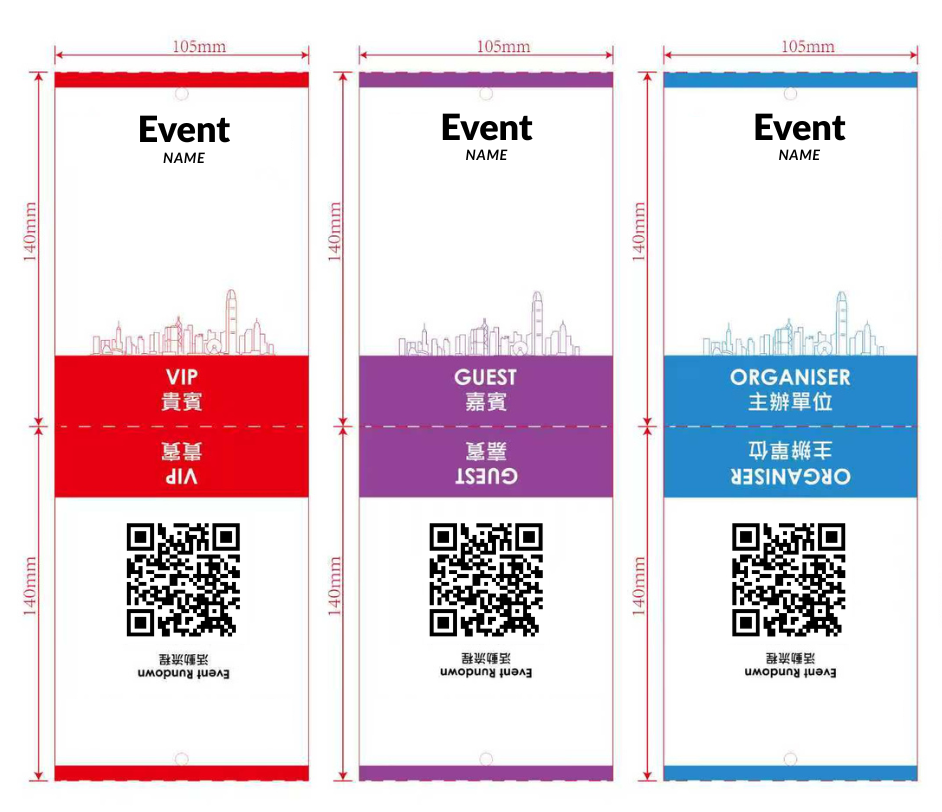
30%
avg no-show waste eliminated
2–4s
to print per attendee
USD $600
per event — public pricing
Free
first event included
Badge Printing Features
Drag-and-drop badge designer, auto-print on check-in, and batch pre-printing — built for high-volume professional events.
Drag-and-Drop Name Badge Maker
Design professional credentials in minutes using our visual builder. Acting as a dedicated name badge maker for events, the platform lets you place corporate logos, text blocks, and scannable QR codes exactly where you need them. You maintain complete control over the final output without requiring external design software or graphic design experience.
Auto-Print on Check-in
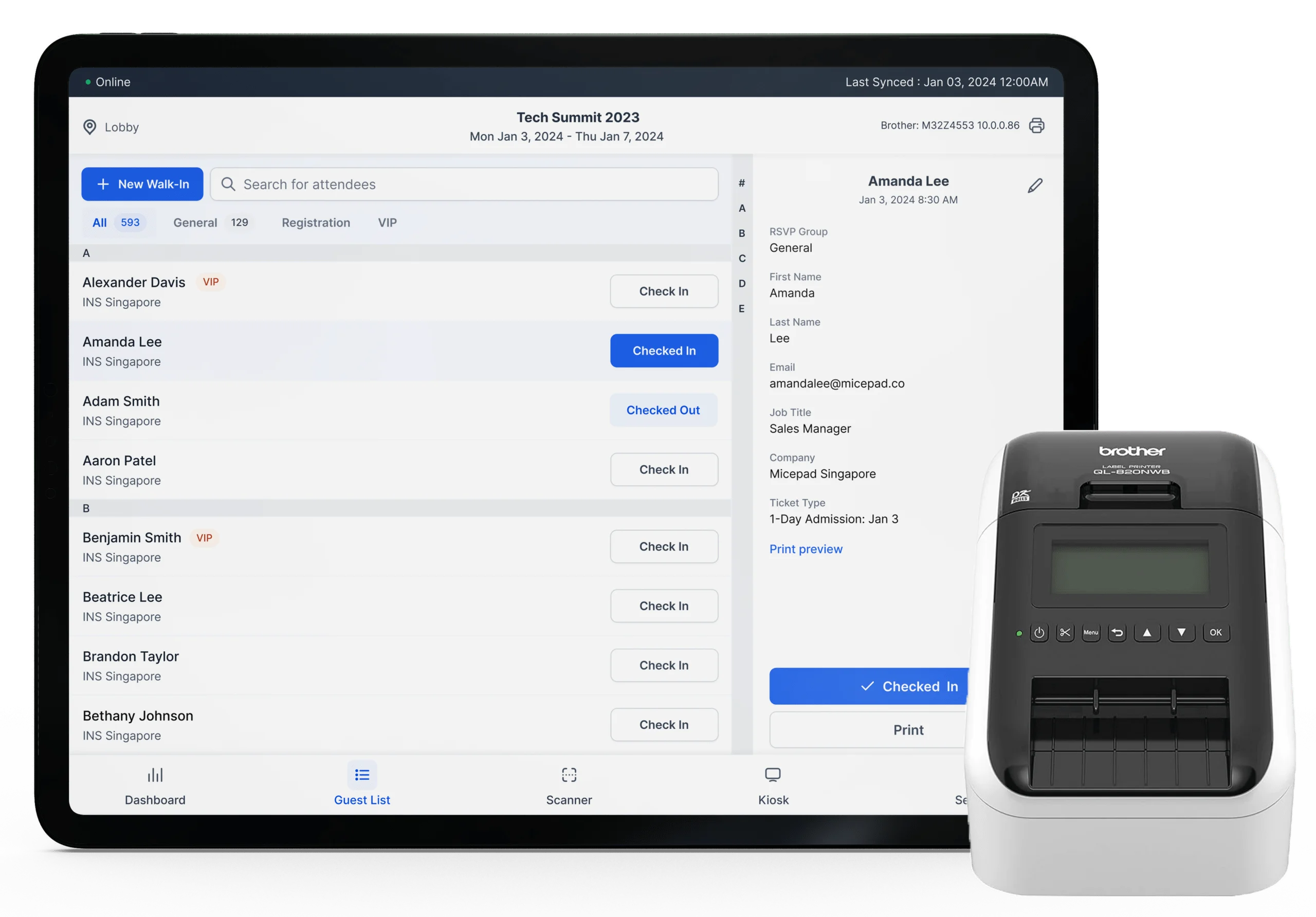
Transform your entry desk operations with automated hardware triggers. Connect our check-in platform to your hardware so credentials emerge the second an attendee scans their digital ticket. This rapid onsite event badge printing process ensures the credential is ready before the guest even looks up from their mobile device.
Batch Pre-Printing
Generate thousands of credentials ahead of time for specific groups when required. The system allows you to filter attendee lists and bulk print for VIP guests or early arrivals before the main registration rush begins. You easily combine the speed of pre-printed stock with the flexibility of instant on-demand badge printing.
Dynamic Fields & QR Codes
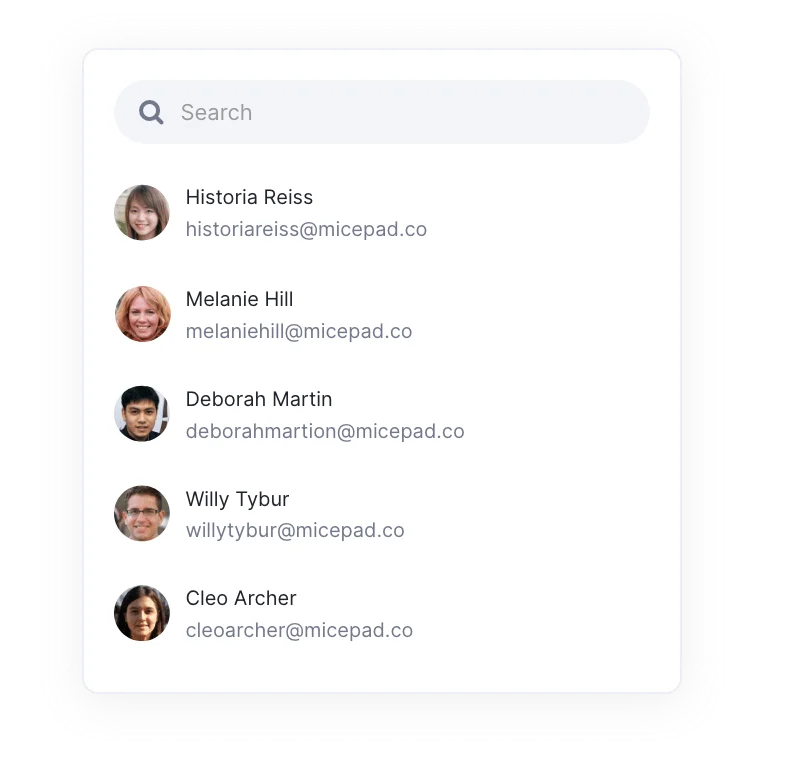
Pull attendee data directly from your registration lists into your template automatically. Dynamic fields populate names, companies, job titles, and ticket types without requiring any manual data entry from your staff. Built-in QR codes enable instant lead retrieval for your exhibitors and facilitate access control scanning throughout the venue.
Multiple Badge Sizes & Formats
Adapt your credentials to any hardware standard or lanyard requirement. Micepad integrates directly with the Zebra ZD421 thermal printer and the Brother QL-820NWB thermal printer for rapid black-and-white output. The platform also supports standard inkjet printers and standard laser printers for full color paper formats.
Color-Coded Categories
Organize your venue visually with distinct designs for different attendee types. Create clear visual differentiation for VIPs, speakers, exhibitors, and general attendees using colored bars or inverted layout blocks. This ensures venue security and floor staff can identify badge holders instantly from a distance.
High-Volume Conference Name Badges with Auto-Print Reliability
Manage high-volume attendee flow with reliable auto-print technology and self check-in kiosks. Professional conference name badges require clear typography and durable output to last through long keynote sessions and networking events. Micepad ensures your event name tags look sharp and print instantly to prevent lobby bottlenecks during the morning rush.
- Trigger printing instantly via self-serve attendee kiosks.
- Deploy custom conference badges matching your exact corporate branding.
- Process hundreds of delegates per hour with zero manual intervention.
Brand-Consistent Custom Event Badges with Logo for Corporate Functions
Maintain strict brand guidelines while welcoming partners and internal stakeholders. Creating custom event badges with logo placement requires precise alignment and high-quality visual output. Pre-print options allow you to prepare executive credentials in advance while relying on onsite systems for last-minute internal RSVPs.
- Upload high-resolution corporate logos and brand assets.
- Ensure exact color matching with standard inkjet printers.
- Track internal attendance securely across different corporate departments.

High-Speed Onsite Badge Printing for Walk-ins and Exhibitor Lead Capture
Equip large-scale exhibitions with high-speed hardware and reliable software infrastructure. You need robust onsite event badge printing to handle thousands of walk-ins and substitutions without system failures. QR codes printed directly on the credential allow exhibitors to scan leads efficiently at their respective booths.
- Deploy high-volume thermal printing for rapid attendee processing.
- Embed scannable QR codes for exhibitor lead capture.
- Print custom conference badges for walk-up registrations in seconds.
Day-Specific Credentials and Instant Re-Print for Lost Badges
Control venue access across weekend festivals or week-long industry summits. Complex schedules require day-specific credentials or single durable badges that update dynamically in the system. If an attendee loses their pass, you can invalidate the old QR code in the platform and re-print lost badges instantly at the help desk.
- Design day-specific layouts for rolling ticket types.
- Re-print lost badges on the spot to maintain strict security.
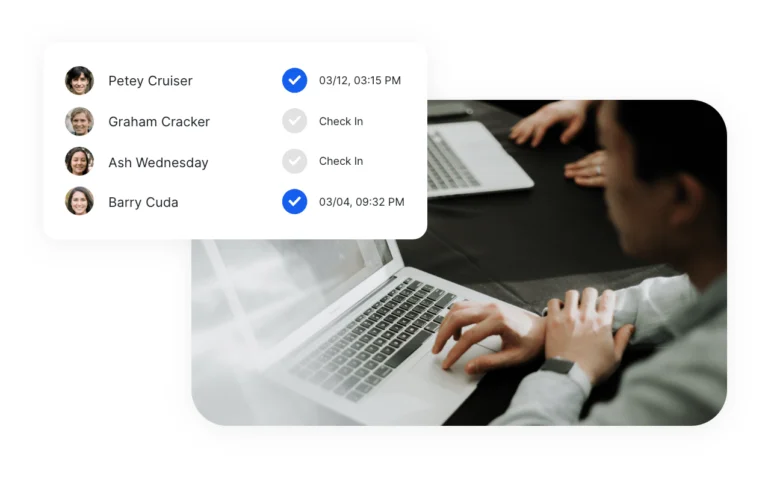
- Monitor daily attendance tracking through continuous scanning checkpoints.
How We Compare
Why Event Planners Choose Micepad for Badge Printing
Transparent pricing. On-demand printing. No-show waste eliminated by design.
| Feature | Micepad | Cvent OnArrival |
|---|---|---|
| Pricing Transparency | Transparent pricing from USD $600/event | Requires custom enterprise quotes |
| First Event Access | Free for your first event | No free tier for testing |
| Setup Process | Intuitive drag-and-drop designer | Often requires certification or support |
| Hardware | Supports Zebra ZD421 and Brother QL-820NWB thermal printers | Supports Zebra ZD421 and Brother QL-820NWB thermal printers |
| Feature | Micepad | Eventbrite |
|---|---|---|
| Native Printing | Built-in onsite printing included | Requires third-party API integrations |
| Check-in Speed | Triggers auto-print instantly on scan | Only checks the user in digitally |
| On-Demand Output | Walk-in badge printing in seconds | Lacks native physical output tools |
| Feature | Micepad | Vistaprint & Avery |
|---|---|---|
| Waste Reduction | Eliminates the 30% badge waste from no-shows | Forces you to pay for unused badges |
| Walk-in Handling | Instant creation for unannounced guests | Requires days for shipping |
| Product Focus | B2B software platform for event tech | Sells bulk consumer paper goods |
| Feature | Micepad | DIY (Word & Label Sheets) |
|---|---|---|
| Labor Costs | Automates dynamic field population | Requires hours of mail-merge formatting |
| Data Errors | Pulls live registration data directly | Relies on static spreadsheets prone to manual typos |
| Lost Badges | Can re-print lost badges instantly | Requires manual hunting through spare printed sheets |
Ready to switch? Free first event. No credit card. No sales call required.
Frequently Asked Questions
On-demand badge printing is the process of generating attendee credentials exactly when they arrive at the venue. Instead of pre-printing alphabetical lists, the platform triggers hardware to produce the physical ticket only after a successful check-in scan. This approach eliminates the average 30% no-show waste common in the event industry.
Our platform integrates flawlessly with enterprise hardware like the Zebra ZD421 thermal printer and the Brother QL-820NWB thermal printer. You can also use standard inkjet printers and standard laser printers depending on your preferred paper stock. This hardware flexibility ensures your event badge printing operations run smoothly.
Yes, our platform includes a dedicated visual designer specifically for this task. You can upload background graphics and map dynamic fields like attendee name and company directly onto the layout. This makes custom badge printing simple and keeps your visual branding consistent across all attendee types.
Printing takes roughly two to four seconds per attendee depending on your specific hardware model. The auto-print trigger fires the moment a ticket is scanned by the check-in application. This rapid output ensures queues move continuously during peak arrival times.
Yes, our batch pre-printing feature allows you to generate credentials for specific lists ahead of time. You might choose to pre-print VIPs or speakers while leaving general admission to the onsite system. This hybrid approach gives you total control over the registration desk workflow.
Micepad offers transparent pricing starting from USD $600/event for comprehensive access. Planners can also use the platform for free for their first event to test the infrastructure. Your only additional costs will be the physical paper stock and printer rentals if you do not already own hardware.
For black and white rapid output, event name badges are best produced on a Zebra ZD421 or Brother QL-820NWB. If you require full color credentials on glossy stock, you will need standard inkjet printers. We recommend thermal options for large trade shows due to their high speed and reliability.
Micepad allows you to use our comprehensive platform for free for your first event. This gives you full access to the design tools and dynamic field mapping without upfront software fees. It functions as a premium name badge maker for events while proving the operational ROI of our system.
When utilizing physical print-and-ship services, individual credentials can cost several dollars each plus rush shipping fees. By utilizing our custom badge printing software and your own hardware, the cost per unit drops to pennies for thermal paper. You also save money by not printing passes for the average 30% of attendees who do not attend.
You start by syncing your registration data with our platform to map the necessary dynamic fields. Next, use the visual builder to position your corporate logo, text blocks, and QR code on the digital template. Finally, connect your laptop or tablet to a supported printer to begin your event badge printing immediately onsite.
Your team runs events. Micepad runs the ops.
Every event generates the same pile of operational work. Import the attendee list. Clean the duplicates. Fix the formatting. Send the confirmations. Chase the bounces. Print the badges. Pull the attendance numbers. Write the post-event report. Multiply that across 20 events a year and you're not running events anymore — you're processing data.
Micepad agents handle that work automatically. They import messy CSVs and clean them — deduplicating records, standardizing names, flagging bad email addresses. They generate badges from your templates and send confirmation emails with bounce handling built in. They monitor check-in in real time, alerting you when a session hits capacity. After the event, they compile attendance reports, no-show rates, and engagement scores without anyone pulling numbers into a spreadsheet.
The creative and relational work stays with your team, where it belongs. Speaker logistics, sponsor relationships, making sure the room feels right — that's where your team adds value. The data processing is where agents add theirs.
See How Micepad Compares
Evaluating other platforms? See detailed comparisons.
Design your first badge template right now
Create a free account, open the drag-and-drop badge designer, and see your badge come together in minutes. Your first event is on us.
Design Your First Badge