Live Streaming And Its Advantages


Live streaming is a presentation format which involves simultaneously recording and broadcasting media in real time. Popular platforms such as Facebook Live and Youtube Live can provide you with these live streaming capability.
Guests are able to dial in remotely through their computer and watch the speaker being broadcasted live. Live streaming services will normally come with a Q&A feature, where guests are able to type out the questions to ask the speaker. Guests do not participate as a host nor a presenter in this capacity. Live streaming is also excellent for it’s sound and video quality, with most streaming services being streamed in 720p HD resolution.
The advantage about live streaming is that it can cater to an unlimited number of audience. With live streaming, you will be sure that your audience outreach is not capped at any limit.
Live Streaming Disadvantages
Capturing Audience Engagement: Due to the nature of live streaming, communication in this aspect will not be at it’s peak. Guests responses and reactions are not captured by the speaker. Audience interaction tools such as Q&A and poll will only have to be submitted manually to the speaker. Either in advance or when the event is happening.
Timing: One of the biggest disadvantages of live streaming can be knowing when to begin the stream. This can be especially difficult if you’re a multinational corporation business with customers in different time zones.
Little chance to revive videos: Facebook Live seems to be one of the few options where live video is saved. However, if you’re using Periscope, your live video won’t be archived. Periscope’s streams are deleted after 24 hours. This is helpful if you’re posting something that isn’t too serious and doesn’t need to be saved online for archival purpose. However, if you do want people to come back and watch your video later, live streaming on Facebook and Youtube is still the better option.
Latency: With a latency lag of up to 30 seconds, this lag of transmission remain fairly noticeable during sessions that involve polling, especially in between critical periods such as the announcement of the commencement of the poll, while waiting for guests to put in their last polling vote and when poll results are announced by speaker.
Bandwidth requirement: With a requirement of huge bandwidth for the transmission of video and audio data in real time. Do conduct early checks with your appointed AV crew about bandwidth details for the live streaming process to be smooth.
Video Conferencing
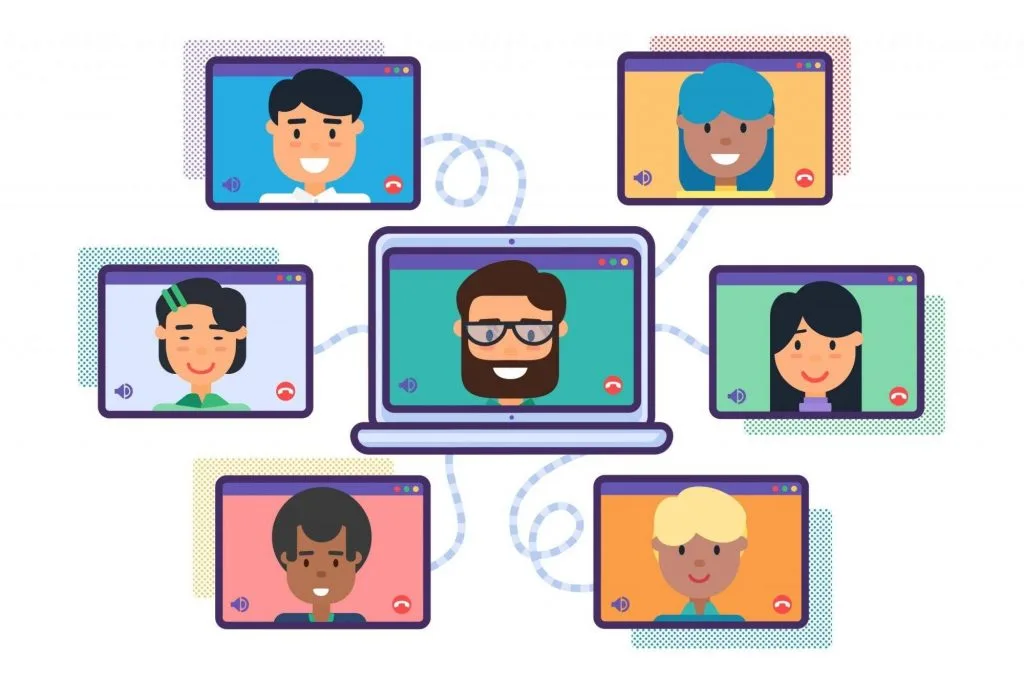
Video Conferencing is a tool for speakers to present their topics to the attendees of the event, with the ability to create a space for discussion. This separates itself from live streaming as video conferencing allows people to ask questions, as oppose to posting them on a discussion board. Video conferencing also refers itself to conducting a video conference or video teleconference in which two or more sets of hardware and software interact while simultaneously transmitting and receiving video and audio signals from two or more geographic locations.
Video conferencing may also involve sharing documents, various presentation materials, whiteboards, flip charts and similar group presentation visual aids. Use video conferencing if you’re hosting smaller meetings internally, with external stakeholders or meetings where a smaller group is collaborating and sharing screens.
Video Conferencing Advantages
Collaborative Work and Document Sharing: Participants can use video conferencing to communicate with one another and utilise other collaboration tools such as whiteboard, text exchange, file sharing, media sharing, screen sharing, electronic voting and conference recording.
Enhanced Mode of Communication: With the ability to communicate through collaborative tools, this gives an added advantage of better clarity of the idea being conveyed.
Meeting Efficiency and Productivity: By eliminating time and district barriers, meetings can be hosted anytime, anywhere with anyone. In this way, meetings are more effective and with rich collaboration tools, decisions can be made faster.
Video Conferencing Disadvantages
The Absence of Personal Interaction: Nothing would replace a personal interaction like a handshake. A video conference may prove insufficient to achieve building business relationships.
Technical Problems: Working with hardwares is always associated with technical problems like network connection issues and software issues. It will be detrimental if these problems occur at the crucial moments.
Lag in Response: Even though participants can be from across the globe, there are some difficulties faced due to this long distance. A slight delay between responses that come from one side to the other side of the world is very common. Anticipate this to happen when a video conference that involves global participation.
Which is Better For You?
While live streaming commands a wider audience outreach, video conferencing works for smaller group interactions. Especially for one-on-one meetings, a video conference tool allows both parties to interact. In this type of virtual meeting solution, you can discuss in live time while seeing the other person’s face. Even for small groups, video conference works better than live streaming.
Live streaming can be good for your brand in building awareness. It is no doubt that live streaming can help you stand out of the crowd and can show your customers that your brand is open for innovative and up-to-date solutions. However, video conferencing works for one on one meetings where 2-way interaction is required. Plus, you can handle more sensitive information in a closed setting as opposed to live streaming.
Determine the purpose of hosting a meeting, the crowd size of it, the mode of communication and environment carefully before using the above comparison points to decide if live streaming or video conferencing is viable to attain your meeting agenda.
See virtual events in action
Streams, breakouts, polls, and 1,000+ concurrent viewers — all in one platform.