活動名牌設計靈感
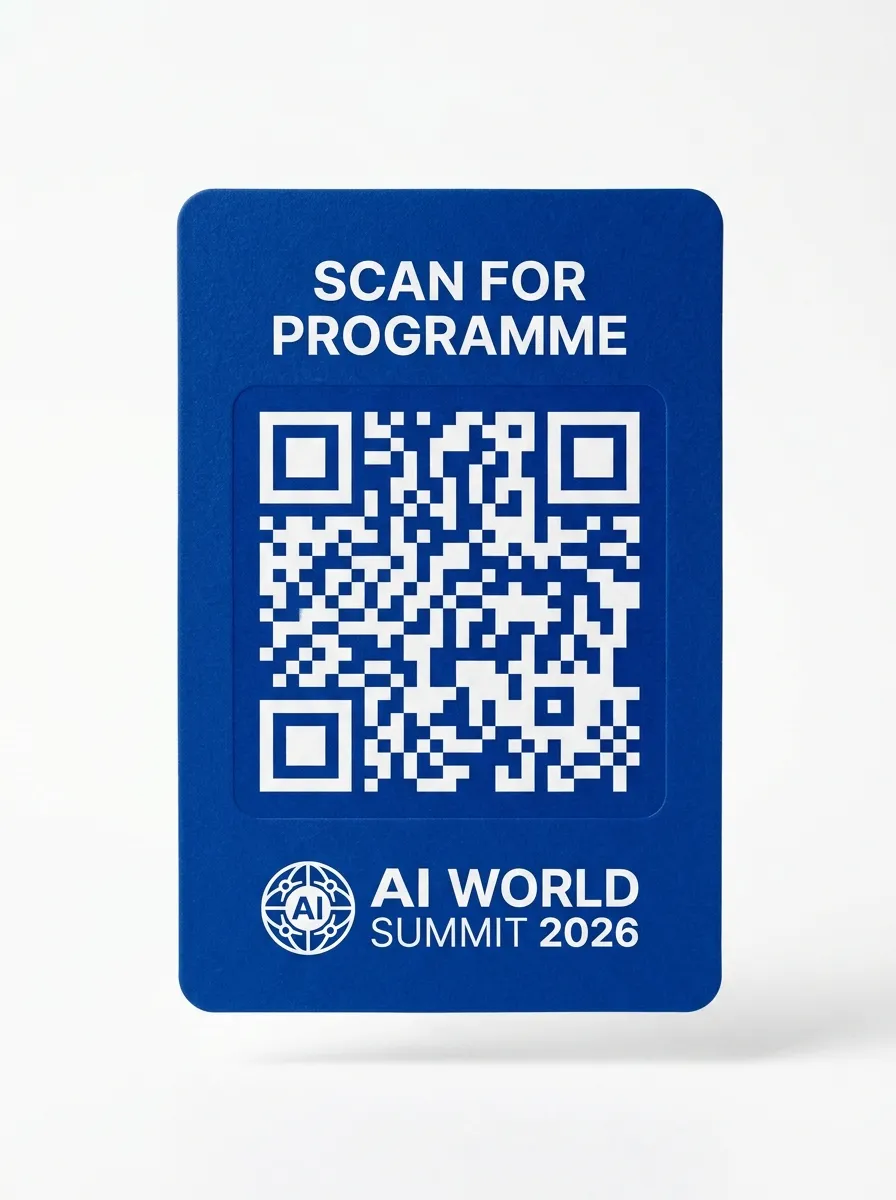
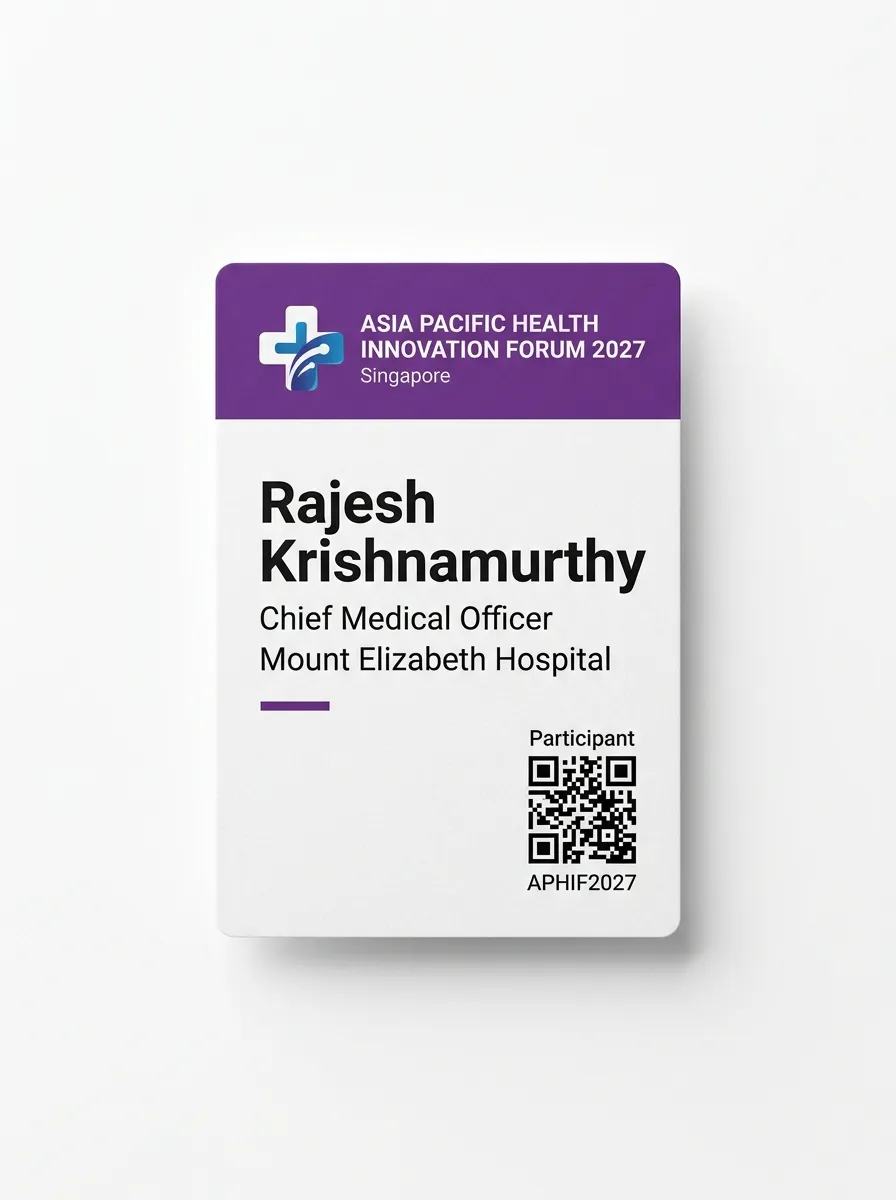
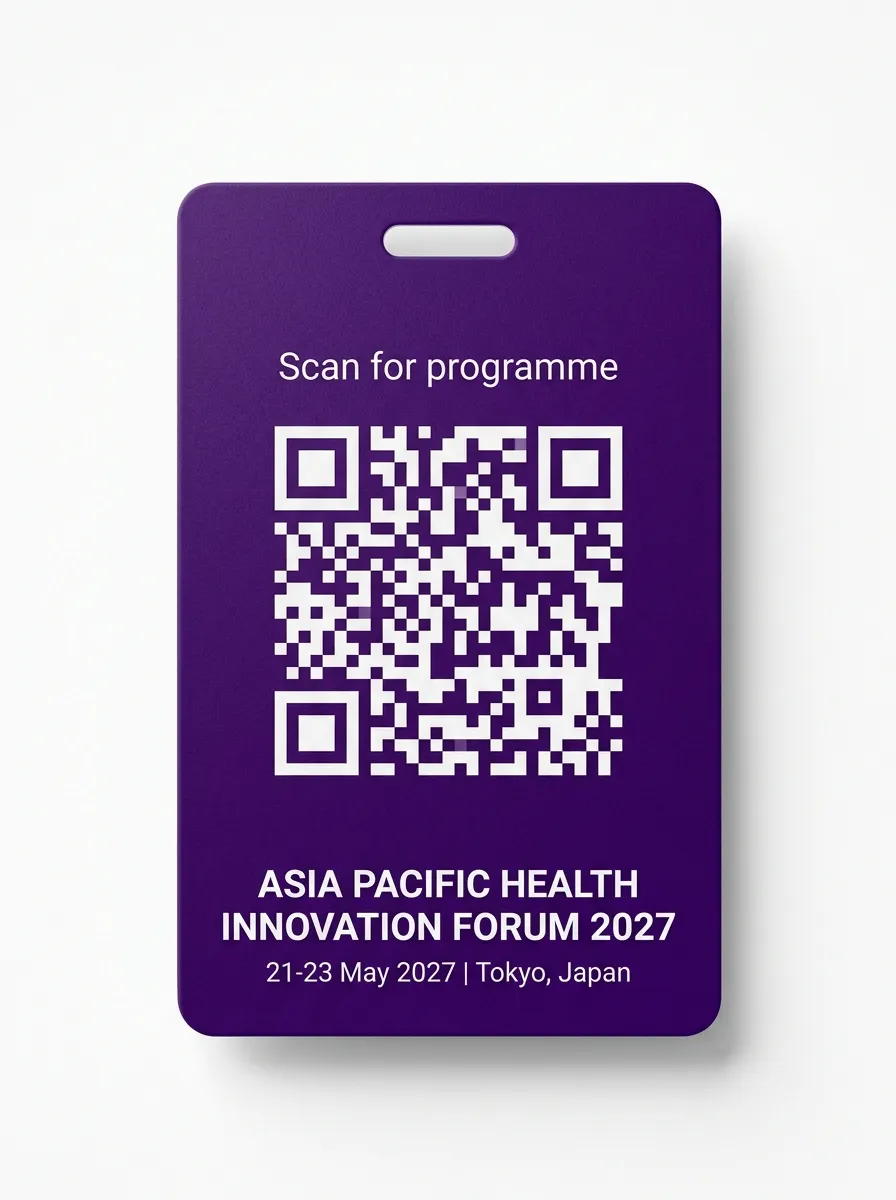
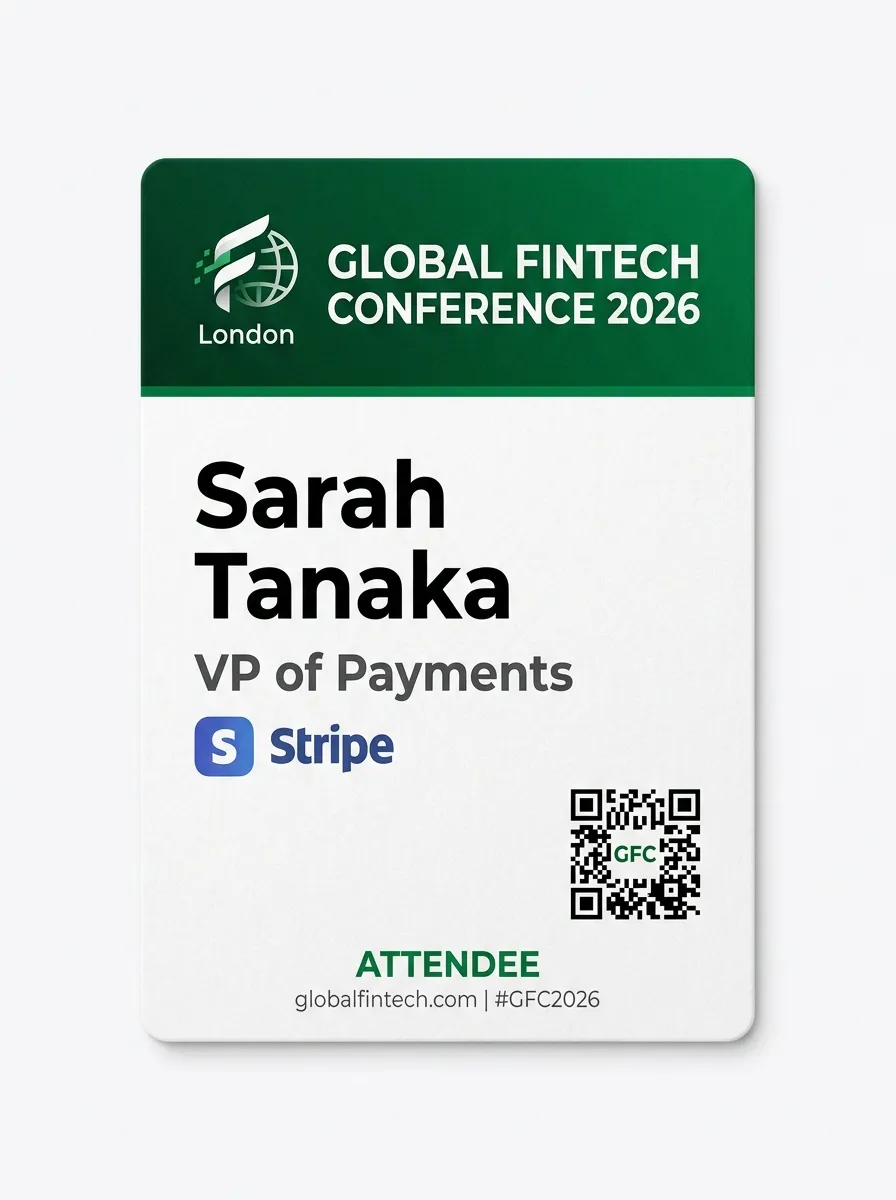
來自各產業研討會、峰會與企業活動的真實名牌設計。為您的下一場活動激發創意靈感。

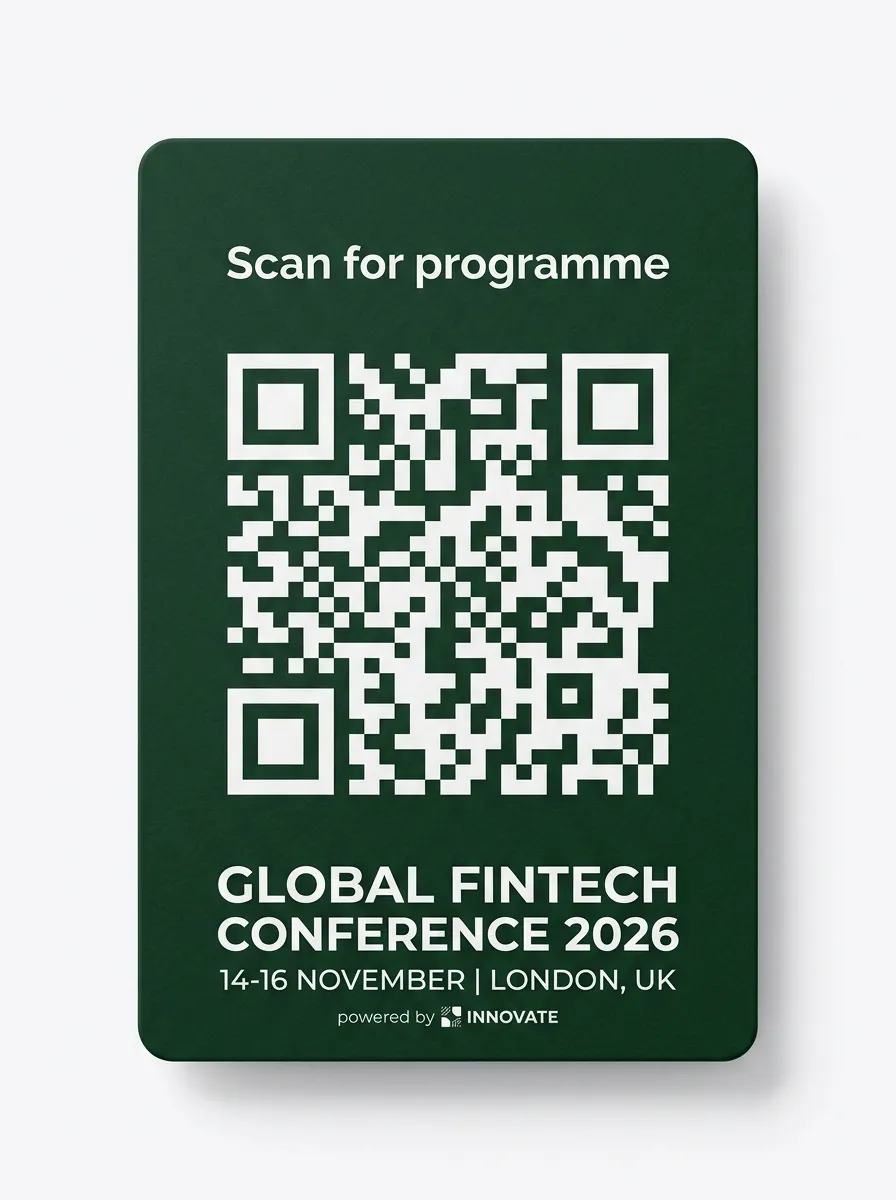
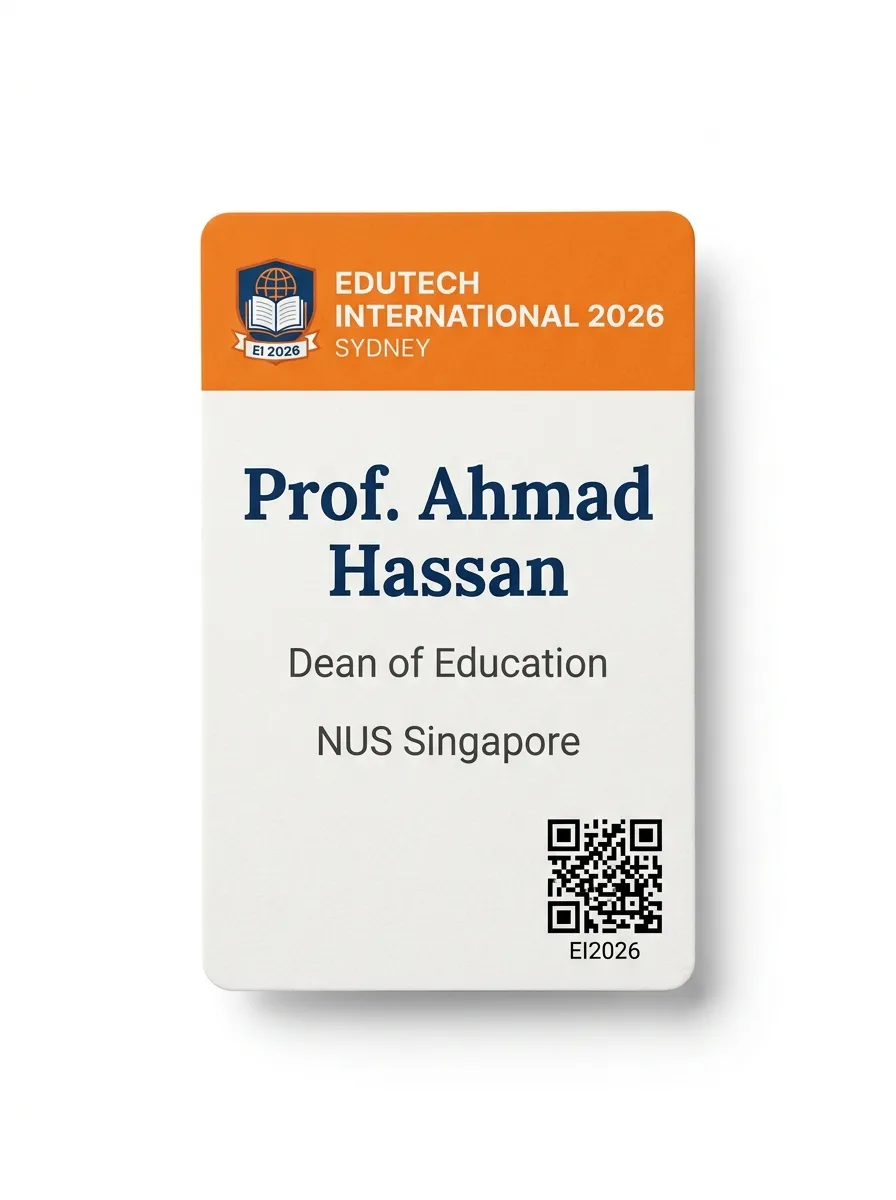
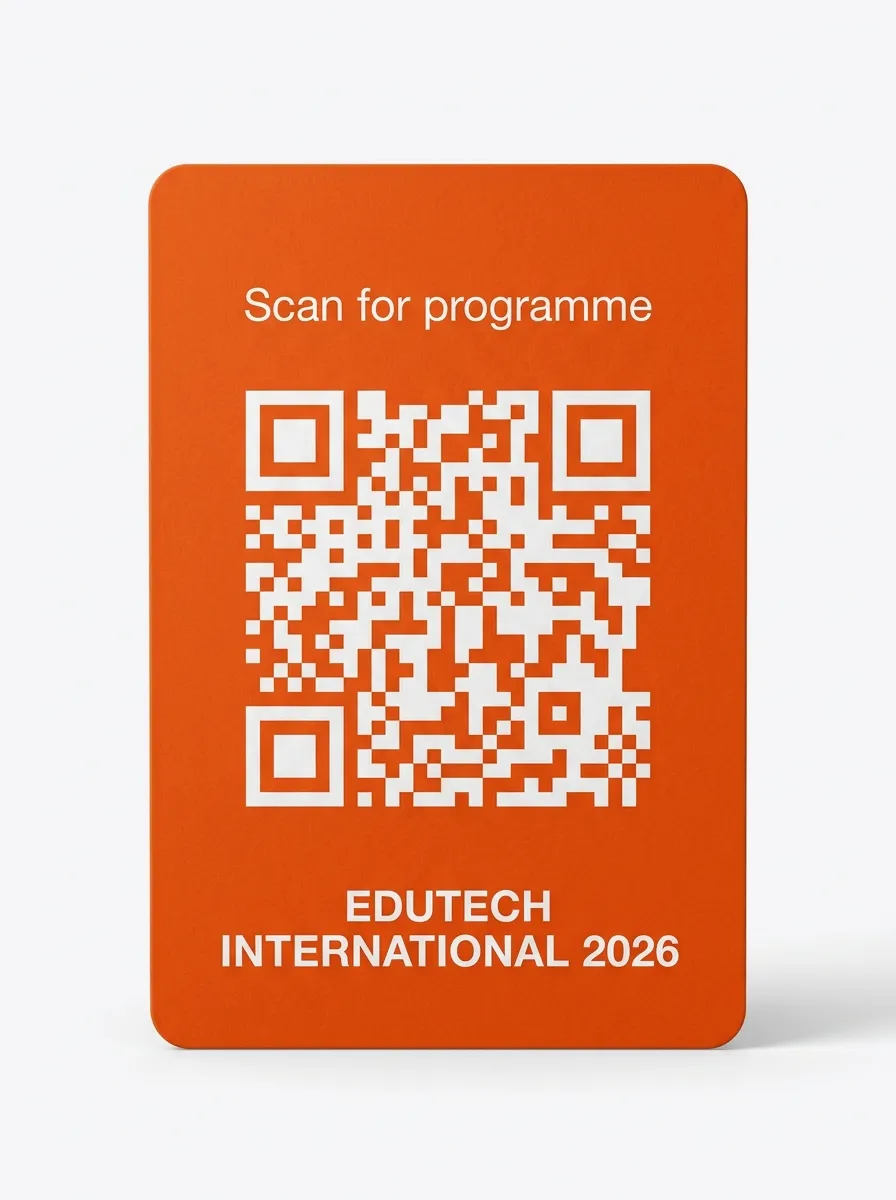
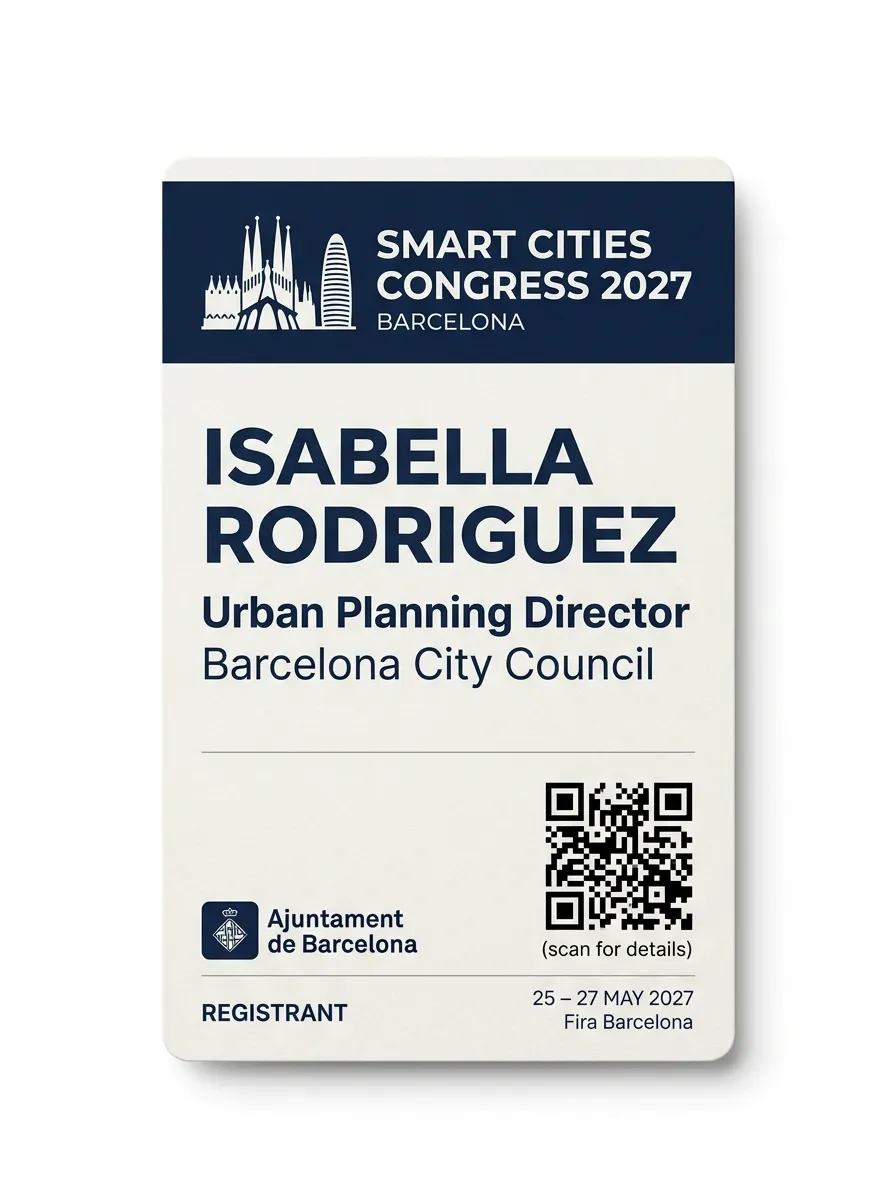
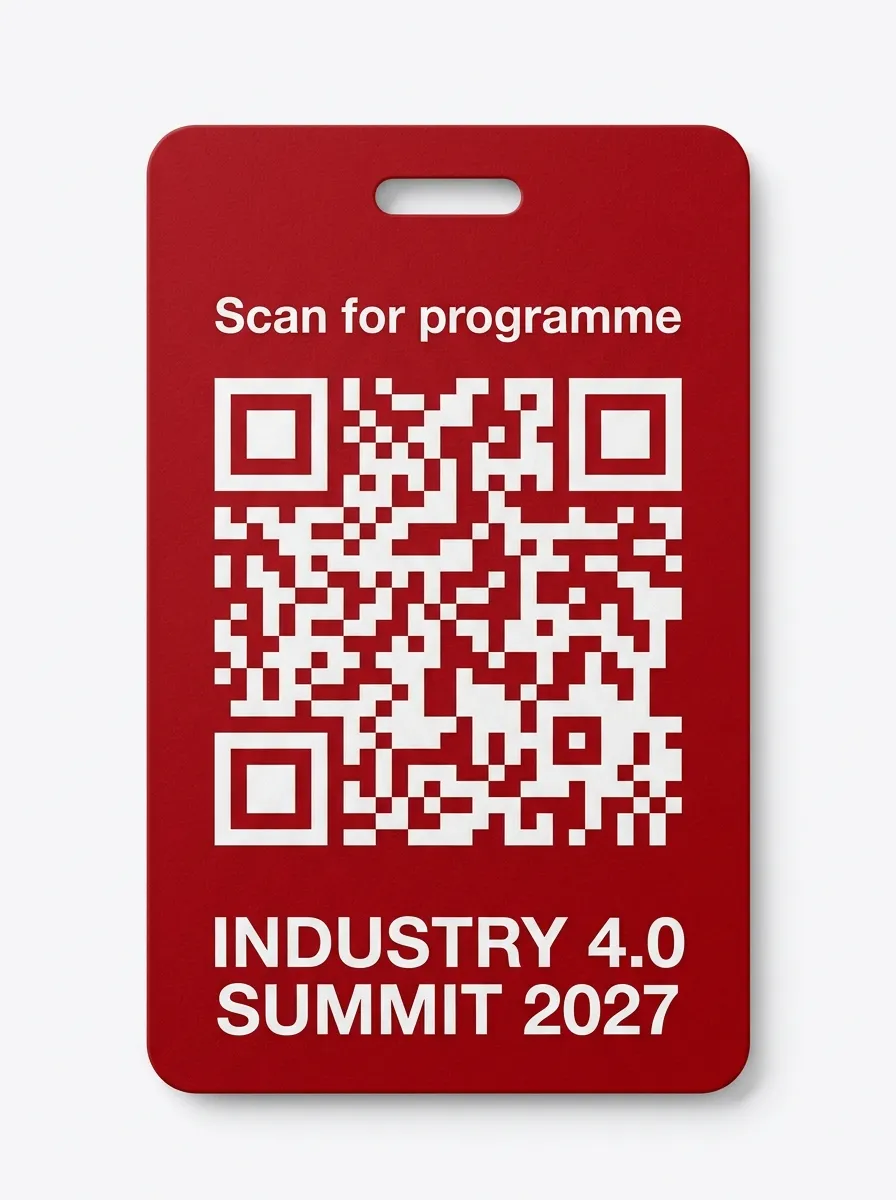
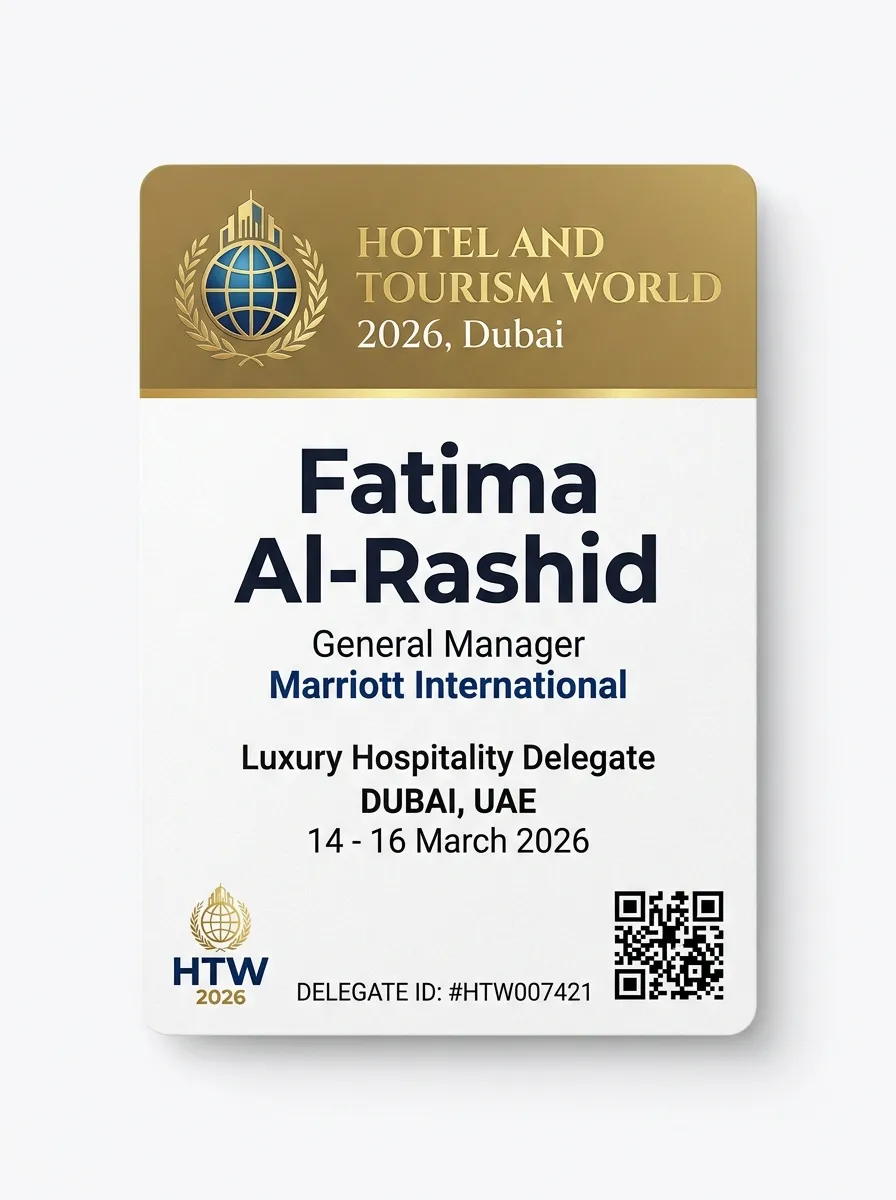
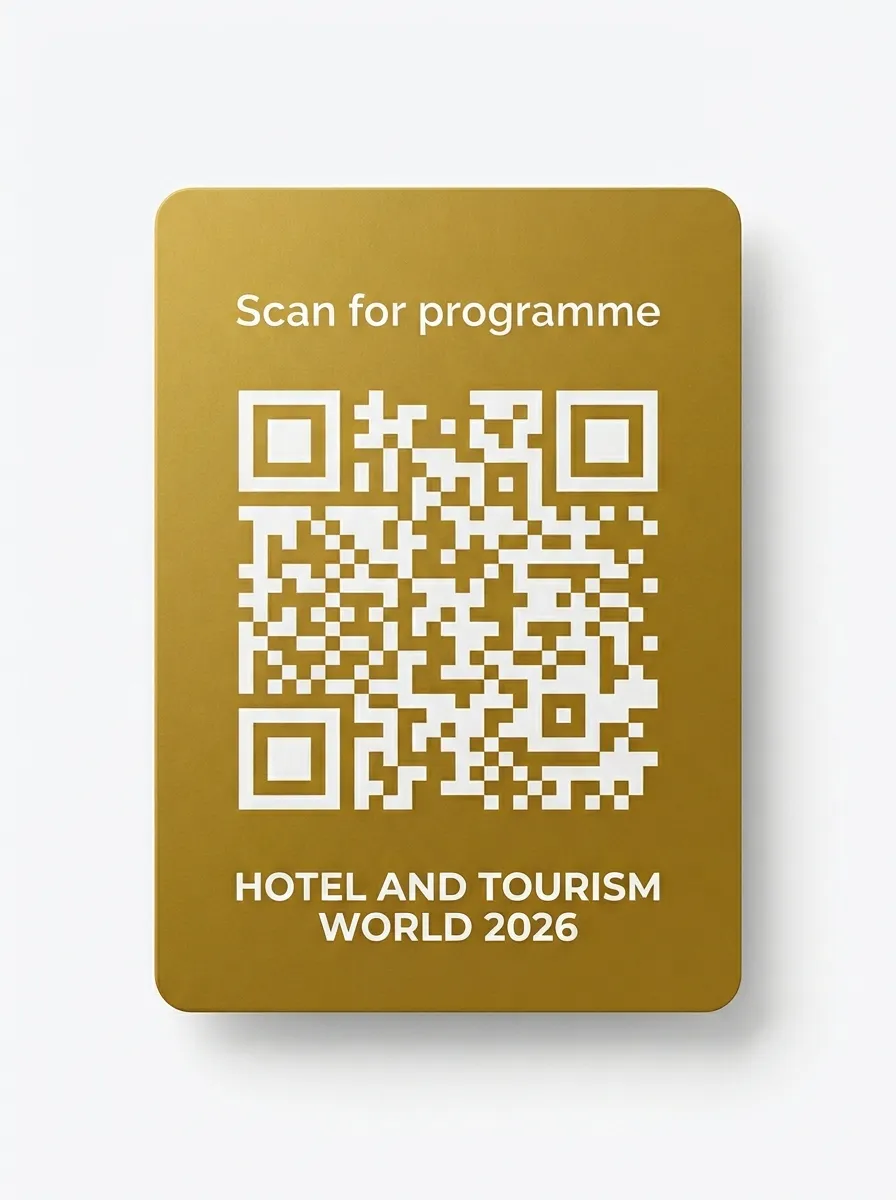
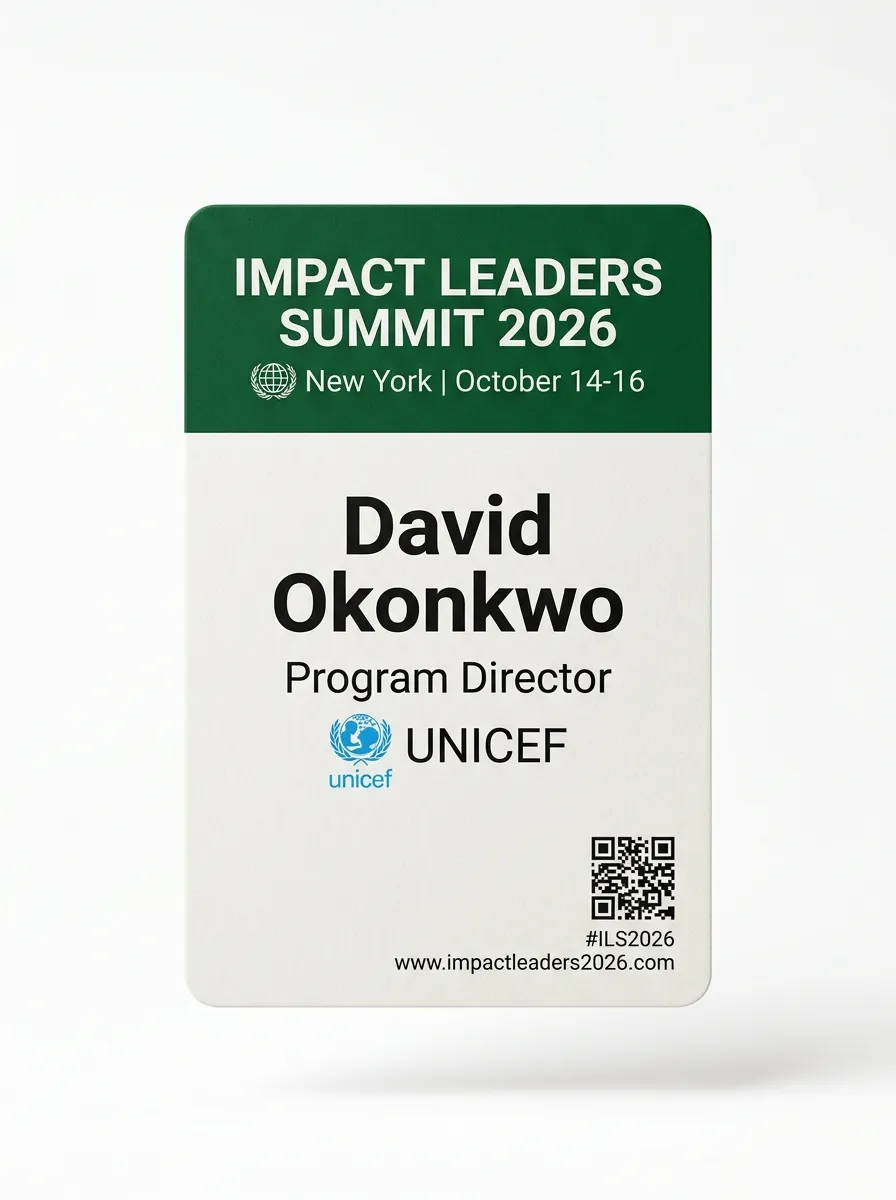
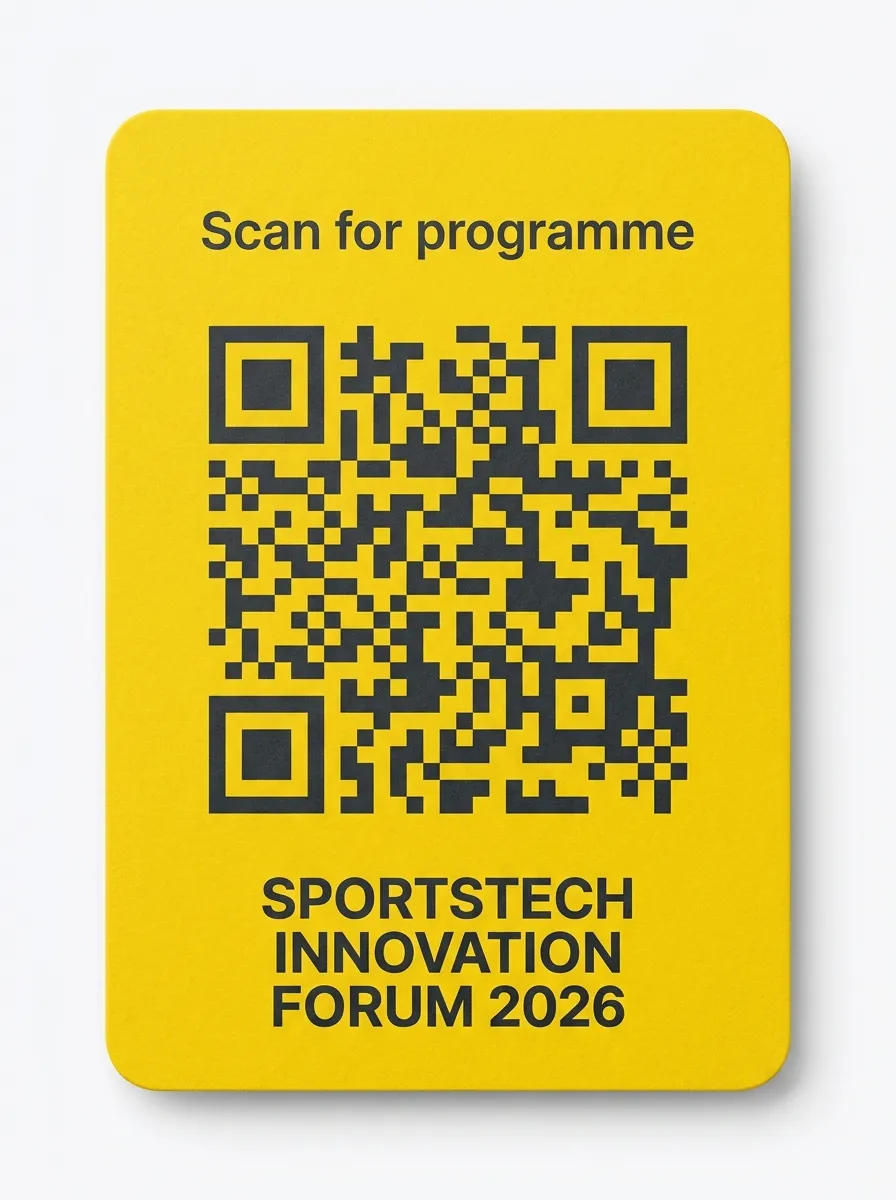
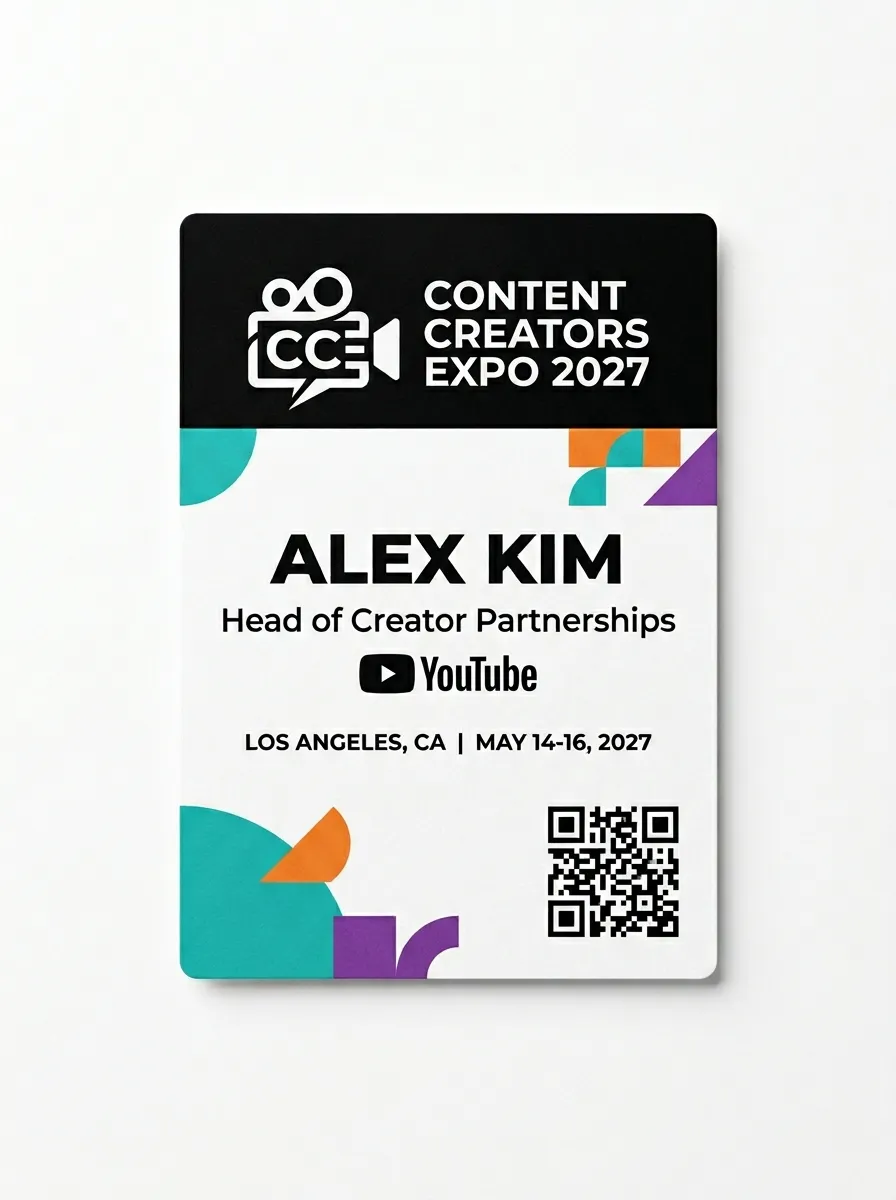
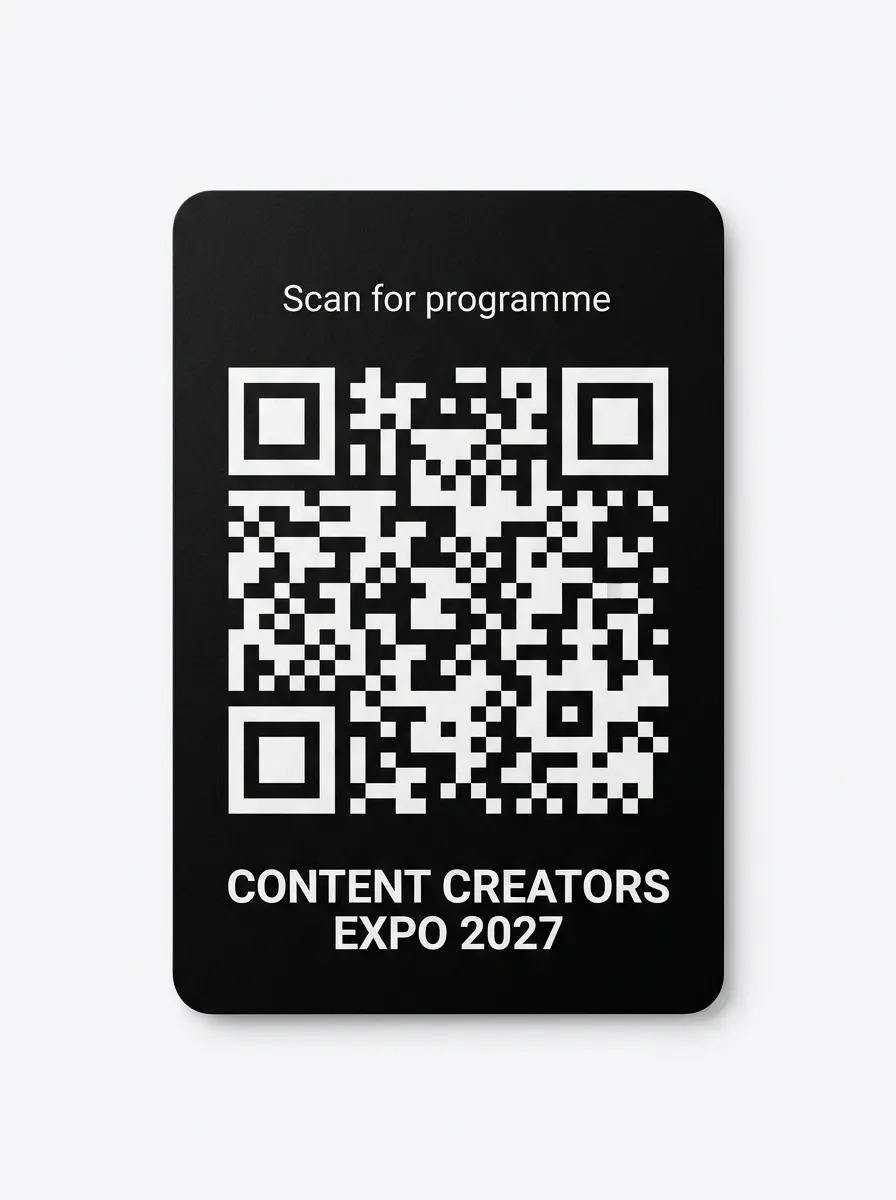
No badges found for this industry.
Design Badges Like These in Minutes
Micepad's badge designer gives you full control over layout, branding, and attendee categories — no design skills needed.
Upload Your Design
Upload your event logo and choose your badge size. Start from a blank canvas or pick a template.
Map Your Fields
Drag and drop fields — name, company, title, QR code, category color. Each attendee type gets its own design.
Print On-Site
Attendees scan their QR code at a kiosk and get a printed badge in under 5 seconds. No queues.
Frequently asked questions
可以。Micepad 的名牌設計工具讓您打造完全客製化的名牌,包含活動品牌識別、色彩、QR Code 與參加者類別。支援標準尺寸 (4×3、4×6、A6) 及自訂尺寸。
Micepad 支援所有標準名牌尺寸,包括 4×3 吋、4×6 吋、A6 及自訂尺寸。請參閱我們的名牌尺寸指南,瞭解依活動類型推薦的尺寸。
當然可以。您可以為每種參加者類別指定不同的設計、顏色與版面 - 講者、VIP、展商、媒體與一般參加者都能擁有專屬名牌,方便快速辨識。
Micepad 使用熱感式或噴墨印表機,每位參加者的名牌列印時間不到 5 秒。搭配自助報到機,參加者只需掃描 QR Code,名牌即可自動列印。